dApp basics · Explainer
What Is a TRON dApp? How They Work, Costs and Safety (2026)
A TRON dApp is an application whose key logic runs as smart contracts on the TRON blockchain. This guide covers how they work, what they cost to use, the main types, and how to check one before connecting a wallet.
By the DappsAtlas editorial team · Updated
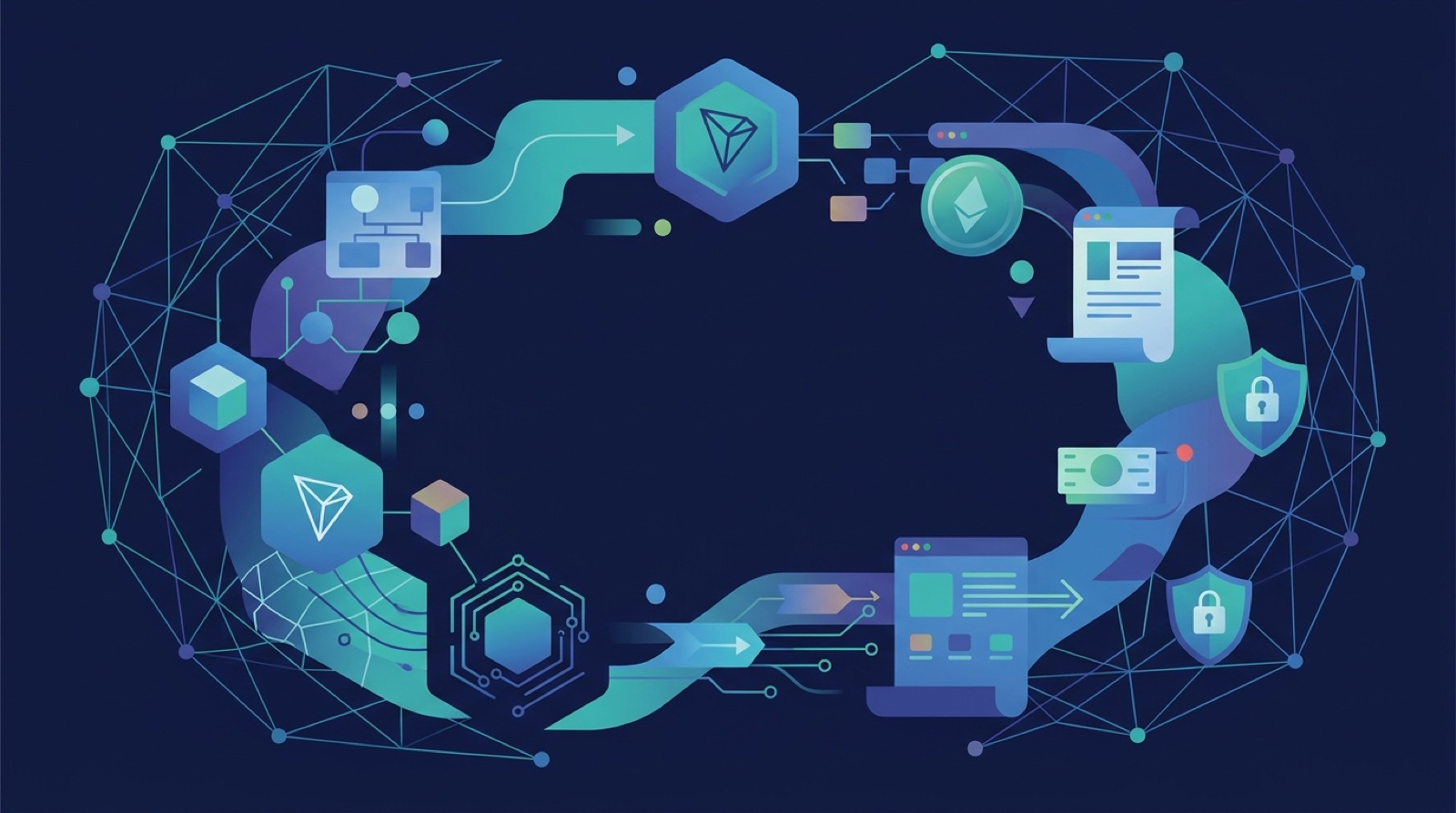
What is a TRON dApp?
A TRON dApp (decentralized application) is an application whose core logic runs as smart contracts on the TRON blockchain, rather than on a company's private servers. Users reach it through a web page or mobile interface, but the rules that move funds, record balances or settle trades are written in code that lives on-chain and executes the same way for everyone.
Three features separate a TRON dApp from an ordinary app:
- On-chain logic. Key actions are handled by smart contracts, usually written in Solidity and deployed to TRON.
- Wallet-based access. There is no username and password. You connect a wallet, such as TronLink, and approve each transaction with your own keys.
- Public state. Contract code, transactions and balances can be inspected on a TRON block explorer by anyone.
The word dApp is used loosely. Some products have a full set of contracts that hold funds with no admin control. Others are a normal website that makes a few contract calls and does most of its decision-making off-chain. When a project calls itself a TRON dApp, the useful questions are how much of it actually runs on-chain and who can change it.
TRON itself is a proof-of-stake smart-contract blockchain with TRX as its native token. It is best known for stablecoin transfers, especially USDT in the TRC-20 token format, so many TRON dApps revolve around moving, lending, swapping or spending stablecoins. Others cover NFTs, games and gambling. Well-known names in the ecosystem include SunSwap, a decentralized exchange, and JustLend DAO, a lending market, though activity shifts over time, so check current data before relying on any list.
How does the TRON network run dApps?
TRON uses delegated proof of stake. Token holders vote with staked TRX for Super Representatives, a limited group (27 at a time) that produce blocks and earn rewards for doing so. Blocks arrive every few seconds, which is why transfers feel quick compared with many other networks.
Smart contracts run on the TRON Virtual Machine (TVM). The TVM is designed to be compatible with the Ethereum Virtual Machine, so Solidity code can often be ported to TRON with modest changes. That is a large part of why developers who know Ethereum can build for TRON without learning a new language.
Core pieces to know:
- TRX. The native token, used for staking, governance votes and paying for network resources.
- Addresses. TRON addresses begin with the letter T. They are derived in a similar way to Ethereum addresses but displayed in a different format, so never paste a TRON address into a field meant for another chain.
- Token standards. TRC-10 is a simple native token type, TRC-20 covers fungible tokens much like ERC-20, and TRC-721 covers NFTs much like ERC-721.
- Resources. Bandwidth and energy meter how much a transaction or contract call consumes. You get them by staking TRX or by paying TRX directly.
The TRON developer documentation describes these concepts in detail, including how accounts, transactions and the virtual machine fit together. For a user, the practical takeaways are simple: you hold TRX for fees, your tokens follow the TRC-20 format, and every action is a signed transaction visible on a public explorer.
What are the parts of a TRON dApp?
Most TRON dApps have the same four layers. Knowing them helps you judge what you are actually trusting when you click Connect.
- Smart contracts. The on-chain code. It holds assets, enforces rules and emits events. Once deployed, a contract's code usually cannot be edited, though many are written with upgrade or admin functions that let the owner change behavior. Always check whether such controls exist.
- Front end. The website or mobile app that shows buttons and balances. It builds transactions and asks your wallet to sign them. The front end is normally hosted on ordinary web servers, so it can be taken down, hijacked or imitated even if the contracts are sound.
- Wallet connection. A browser extension or mobile wallet that stores your keys. TronLink is the best-known option on TRON. Some multi-chain wallets also support TRON, but support for dApp connections differs from wallet to wallet, so read the wallet's own documentation.
- Node access and data. The dApp reads balances and sends transactions through a TRON node or API provider. Developers commonly use TronGrid or run their own full node, and use the TronWeb JavaScript library to talk to it.
Some projects add off-chain services such as price feeds (oracles), indexers and databases. Those parts are often where centralization hides. A lending market with solid contracts can still depend on a single price source, and a game can keep its core rules on a private server. When reviewing a dApp, ask which of these layers are decentralized and which are run by the team alone.
What types of dApps exist on TRON?
TRON's ecosystem is broad, but a few categories dominate. The table summarizes them and the main thing to watch in each.
| Category | What it does | Main thing to watch |
|---|---|---|
| Stablecoin payments and transfers | Moves USDT and other TRC-20 stablecoins between wallets, merchants and exchanges | Wrong-address mistakes and look-alike addresses |
| DEXes | Swap TRC-20 tokens through liquidity pools, as SunSwap does | Fake tokens with copied names, low liquidity |
| Lending markets | Supply tokens for interest or borrow against collateral, as JustLend DAO does | Collateral risk, liquidation, oracle design |
| Staking and resource tools | Help users stake TRX, vote for Super Representatives or rent energy | Who controls the funds and the contract |
| NFTs and collectibles | Mint and trade TRC-721 tokens | Copycat collections, unclear rights |
| Games | Use tokens or NFTs for in-game items | Whether game logic is on-chain or off-chain |
| Gambling | Dice, lotteries and similar games with on-chain payouts | Legality, fairness proofs, addiction risk |
Gambling deserves a clear note. You must be 18 or older, or the legal age where you live, and online gambling is restricted or banned in many places. Check your local laws before using any gambling dApp, and never try to get around location limits or identity checks. If gambling stops being fun, use the self-exclusion and support services available in your country.
Many of the best-known DeFi names, such as Uniswap, Aave and PancakeSwap, run on other chains. A product with the same name on TRON may be an unrelated fork, so confirm the exact contract and official sources before connecting.
How do you use a TRON dApp step by step?
Using a TRON dApp follows the same pattern whatever the product. The steps below assume a desktop browser with TronLink, but mobile flows are similar.
- Set up a wallet. Install a TRON-compatible wallet from its official source and write down the recovery phrase offline. Anyone who has the phrase controls your funds, and no legitimate support team will ask for it.
- Fund it. Move a small amount of TRX for fees, plus the token you plan to use, such as a TRC-20 stablecoin. Double-check the network when withdrawing from an exchange. Sending a token on the wrong network can mean permanent loss.
- Find the real site. Use the project's official channels, not a search ad or a link in a direct message. Look for the contract address in the project's own documentation.
- Connect the wallet. Click Connect and approve the connection. This should only reveal your public address, not give anyone spending power.
- Read the prompt. Before you sign, check the contract name, the token, the amount and the fee. An approval request for unlimited spending of a token is common but should be deliberate.
- Confirm and verify. After signing, open the transaction on a block explorer and check it succeeded.
- Clean up. When finished, review the token approvals you granted and revoke the ones you no longer need.
Start with a small test transaction on any new dApp. A tiny first transfer costs little and reveals whether the interface behaves as expected before you commit a larger balance.
How do fees work: energy and bandwidth?
TRON charges for smart-contract activity through two resources instead of a single gas number.
- Bandwidth covers the size of a transaction in bytes. Every account receives a small free daily allowance, and a simple TRX transfer often fits within it.
- Energy covers the computation a smart-contract call uses. Token transfers and dApp interactions consume energy because they run contract code.
If your account lacks enough of either resource, the network burns TRX from your balance to cover the difference. You can avoid or reduce those burns by staking TRX to receive energy and bandwidth, or by renting energy from a provider. TRON's current staking design, usually called Stake 2.0, lets you also delegate resources to other accounts.
Because contract calls vary, wallets and dApps show a fee estimate, and developers set a fee limit as a cap on what a call can burn. If a transaction runs out of energy or hits its limit, it fails, and the resources it used are still spent.
Costs depend on network conditions and on governance parameters that can change, so do not rely on a fixed figure from any article. The reliable approach is to read the estimate in your wallet before you confirm, keep a TRX buffer so transactions do not stall, and compare a dApp's cost with the value of what you are doing. For frequent users, the staking-versus-burning trade-off is worth working out with current numbers from official TRON sources.
How does TRON compare with Ethereum and Solana?
TRON is one of several smart-contract chains, and the right choice depends on the task. This table shows broad differences in design rather than live statistics.
| Factor | TRON | Ethereum | Solana |
|---|---|---|---|
| Consensus | Delegated proof of stake with Super Representatives | Proof of stake with a large validator set | Proof of stake with Proof of History |
| Smart-contract language | Solidity on the TVM | Solidity on the EVM | Rust, mostly |
| Fee model | Energy and bandwidth, or burned TRX | Gas paid in ETH | Small fees in SOL |
| Known for | Stablecoin transfers and payments | Broadest DeFi and developer base | High-throughput trading apps |
| Wallets | TronLink and some multi-chain wallets | MetaMask and many others | Phantom and others |
TRON's main selling point is practical: stablecoin transfers are a major use of the network, and a TRC-20 token transfer is a familiar experience for many exchange users. Its trade-offs are a smaller validator set than some rivals and a DeFi scene that is narrower than Ethereum's.
TRON's EVM-compatible virtual machine means skills carry across, but the ecosystems do not share state. A token or app on TRON cannot be used on Ethereum unless it is bridged, and bridges add their own risk. Treat each chain as its own environment with separate wallets, addresses and liquidity, and check which network a dApp or token is on before every transaction.
How do developers build a TRON dApp?
Developers build TRON dApps with a toolchain that will look familiar to anyone who has worked on Ethereum.
- Write the contract. Write the logic in Solidity, using the TRC-20 pattern for tokens. Keep contracts small and test edge cases.
- Use TronBox. TronBox is a development framework from the TRON ecosystem for compiling, migrating and testing contracts on the TVM, much as Truffle does for Ethereum.
- Test on a testnet. TRON has public test networks, commonly Shasta and Nile, where you can deploy using free test TRX instead of real funds.
- Build the front end. Use standard web tools and the TronWeb library to read contract data, build transactions and request signatures from the user's wallet.
- Connect through a node. Point the app at TronGrid, another API provider, or your own full node.
- Audit and deploy. Before any mainnet launch, get an independent review. Then deploy, verify the source on a block explorer, and publish the contract addresses in your official documentation.
Beginner tutorials such as a basic hello-world dApp are a good way to learn the flow from compile to deploy. Production work needs more: fee-limit management, energy planning for users, event indexing, and clear handling of failed transactions.
Wallet support is a common friction point. Many developers target TronLink first, and supporting other wallets means checking their TRON connection methods. A dApp that works with only one wallet limits its audience, so test the main wallets your users are likely to have.
What are the main risks of TRON dApps?
Smart contracts remove some middlemen, but they add their own risks. Use defensive habits every time.
- Fake tokens. Anyone can create a TRC-20 token with a copied name or ticker. Match the token's contract address to the project's official documentation, not just the symbol.
- Look-alike addresses. Attackers send tiny transfers from addresses that resemble ones you have used, hoping you copy the wrong one from your history. Verify the full address, not only the first and last characters.
- Risky approvals. Signing an approval lets a contract spend a token from your wallet, sometimes without a limit. Approve only what you need and revoke unused approvals periodically with a trusted approval-checking tool.
- Phishing sites and fake wallets. Use bookmarks for dApps you rely on, install wallets only from official sources, and never enter your recovery phrase into a website or share it with anyone.
- Contract risk. Bugs, upgradeable contracts with admin keys, and weak price oracles have caused losses across all chains. Look for published audits, but treat them as evidence rather than a guarantee.
- Rug pulls. New tokens and farms with anonymous teams, locked-in liquidity that is not actually locked, or sudden changes in permissions are warning signs.
Only put in money you can afford to lose, and keep larger holdings in a wallet you rarely connect to dApps. A separate wallet for experimenting limits the damage if something goes wrong.
How do you vet a TRON dApp before using it?
A short checklist helps you decide whether a TRON dApp deserves your funds.
- Confirm identity. Find the project's official site and social accounts from a source you trust, then compare contract addresses across them.
- Read the contract. On a block explorer, check whether the source code is verified, who deployed it, and whether the owner can pause, upgrade or move funds.
- Look for audits. Check who performed the review, the date, and whether the findings were fixed. An audit of an older version proves little about a newer one.
- Check activity. Look at the transaction history for steady use by many addresses rather than a few wallets cycling funds. Metrics such as total value locked and user counts change quickly, so look them up on a reputable data tracker at the time you decide instead of trusting a number quoted in an article.
- Test small. Make a small deposit and a withdrawal before committing more.
- Understand the economics. If a yield looks far above the rest of the market, ask where it comes from. Sustainable returns come from fees, interest or real demand, not new deposits alone.
- Check legality. Some categories, especially gambling and certain financial products, are restricted depending on where you live. You must meet the age requirement, and you should not use tools to hide your location or skip verification.
The TRON chain page on this site is a good starting point for the network itself. For comparison, look at how lending and exchange dApps such as Aave, Uniswap and 1inch describe their contracts and risks on other chains.
Frequently asked questions
What is a TRON dApp in simple terms?
A TRON dApp is an application whose core logic runs as smart contracts on the TRON blockchain instead of on a company's private servers. You usually reach it through a website or mobile interface, connect a wallet such as TronLink, and approve each action with your own keys.
What language are TRON dApps written in?
Most TRON smart contracts are written in Solidity, the same language used on Ethereum, and run on the TRON Virtual Machine, which is designed to be compatible with the Ethereum Virtual Machine. Front ends are usually built with standard web tools plus the TronWeb library.
Do I need TRX to use a TRON dApp?
Yes, in most cases. You need TRX in your wallet, or staked TRX that provides energy and bandwidth, to pay for smart-contract calls. Costs vary with network conditions and the complexity of the contract, so check the fee estimate in your wallet before you confirm.
Are TRON dApps safe?
No. Using a smart contract does not make a product safe. Contracts can contain bugs, admin controls or malicious approvals, and front ends can be faked. Review the contract on a block explorer, check for audits, start with small amounts, and revoke token approvals you no longer need.
Can an Ethereum dApp be moved to TRON?
Usually yes, because the TVM is compatible with the Ethereum Virtual Machine, but the move is not automatic. You must adjust for TRON's resource model, address format, tooling and testnets, and you should re-test and re-audit the code before launching on mainnet.
Is it legal to use gambling dApps on TRON?
Some are, but gambling is regulated or banned in many places and you must be 18 or older, or the higher legal age where you live. Check your local laws before using any gambling dApp, and do not try to bypass location rules or identity checks.
Mentioned in this guide
dApps in this guide
Tron is a proof-of-stake smart-contract blockchain focused on stablecoin transfers and payments, with TRX as its native token, for users and developers.
Uniswap V3 is a non-custodial decentralized exchange protocol for token swaps and concentrated liquidity provision across 40+ chains.
Aave V3 is a non-custodial DeFi lending protocol on 21 chains where users earn interest on deposits or borrow against collateral.
PancakeSwap is a BNB Smart Chain decentralized exchange with swaps, farming, staking and CAKE governance for self-custody DeFi users.
1inch is a non-custodial DEX aggregator that routes swaps across many exchanges for better prices, with its own wallet and 1INCH token.
Jupiter is a Solana DEX aggregator for traders who want routed swaps, limit orders, DCA, perps and token launches, with its own JUP token.
Match-Trader is a B2B trading platform and back-end suite for forex brokers and prop trading firms, with built-in TradingView charts and CRM modules.
Phantom is a self-custody crypto wallet focused on Solana, with a built-in dApp browser and some multi-chain support for DeFi and NFT users.
Stake is an online casino and sportsbook with crypto and local-currency payments, a VIP program and loyalty rewards, for adults where gambling is legal.
Keep reading
Related guides
DeFi · Explainer
What Is Zyro Finance? Who Runs It and How to Verify It
The name Zyro appears in several unrelated contexts in current public reporting, from a business payments app to a crypto trading protocol. This guide explains what each version appears to be and how to confirm which one, if any, you are dealing with.
dApp basics · Explainer
App Stores vs dApp Stores: What Is the Difference in 2026?
Traditional app stores are curated marketplaces run by a platform owner, while dApp stores and listings are discovery layers for software that runs on blockchains. The two differ in who hosts the code, who can remove a listing, and what a user must verify before installing or connecting a wallet.
dApp basics · Explainer
How Fitness dApps Use Blockchain to Pay for Exercise (2026)
Fitness dApps pay users in tokens or points for walking, running or training, using a blockchain to record and settle rewards. This guide explains how the models work, what you can realistically expect to earn, and how to protect your wallet and your data.
dApp basics · How-to
How to Use a dApp Data API: A Beginner's Getting-Started Guide
A dApp data API can feed protocol and chain figures into your own spreadsheets and scripts. This guide covers the basics a beginner needs before a first request, from keys and endpoints to reading the JSON response safely.
dApp basics · Explainer
What Is a dApp Discovery Site and How Its Data Works (2026)
A dApp discovery and analytics site is an independent guide that tracks decentralized apps across blockchains and reports activity such as users, volume and transactions. This guide explains what these sites show, how to read their numbers, and where their data can mislead.
dApp basics · Explainer
What Is a Smart Contract? How They Work, Uses and Risks
A smart contract is a program that lives on a blockchain and runs exactly as written when its conditions are met. This guide explains how smart contracts work, what they power in DeFi, and how to judge their risks.
dApp basics · Explainer
What Is Dune? A Guide to Crypto Analytics in 2026
Dune turns public blockchain activity into queryable data, charts and dashboards. Learn how to explore existing analyses, build your own queries, check results and understand the platform’s limits.
dApp basics · Explainer
What Is a Crypto Exchange Platform?
A crypto exchange platform lets you buy, sell, or swap digital assets. Learn how centralized and decentralized exchanges work, what they cost, and how to choose one.