Security and scams · Explainer
Why Solana Wallets Get Drained Repeatedly, and How to Stop It
When a Solana wallet keeps losing funds after every deposit, the cause is usually a compromised seed phrase and an automated sweeper, not a fresh bug. This guide explains how the drains work, how to tell the types apart and what to do.
By the DappsAtlas editorial team · Updated
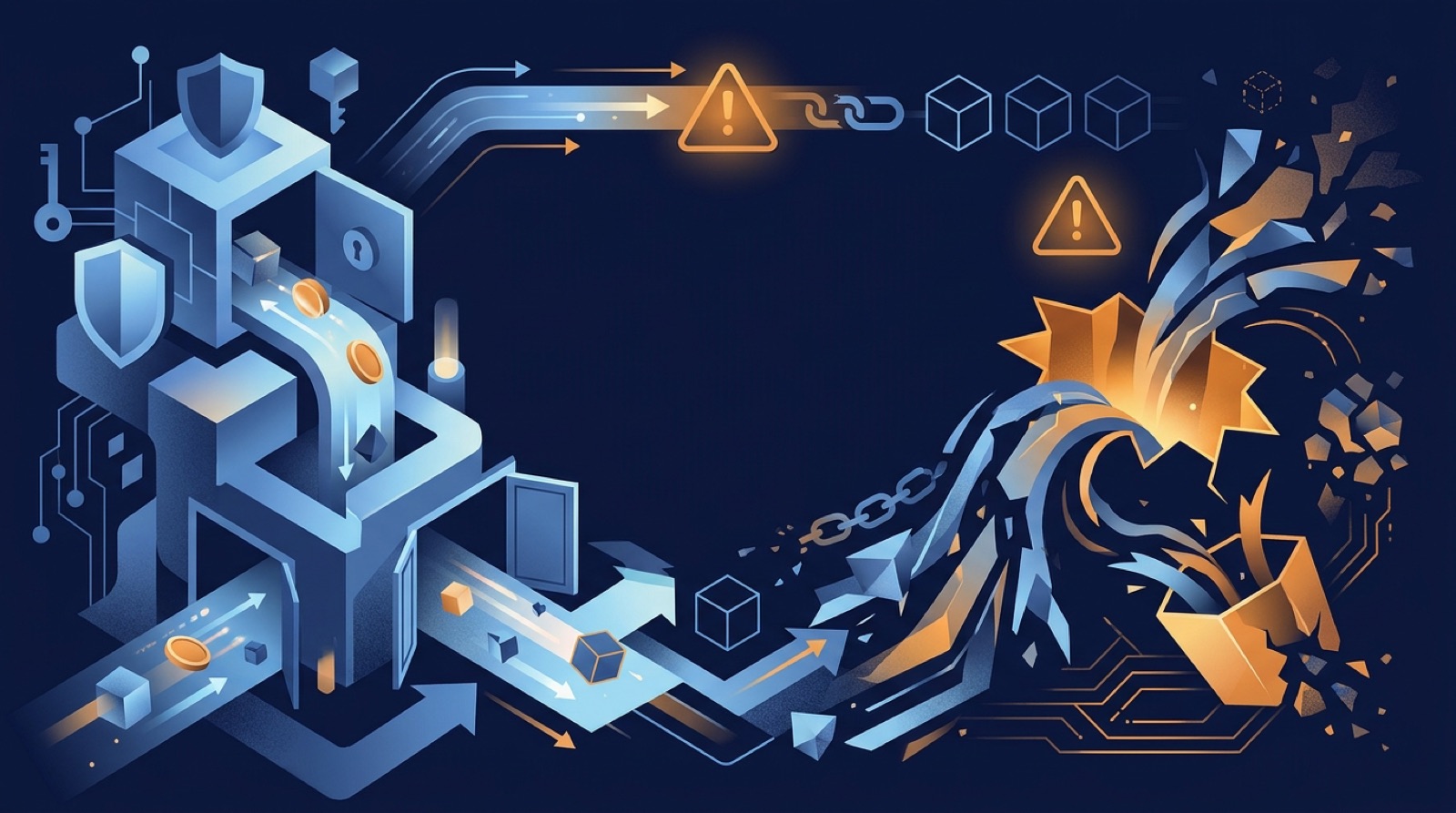
What does a "never-ending" Solana wallet exploit actually mean?
Headlines about a "never-ending" Solana exploit usually describe one of two situations. In the first, a single wallet is emptied over and over: the owner refills it with SOL, and the balance vanishes within seconds. In the second, many unrelated users report drains across weeks or months, which looks like one continuing attack even though several different methods are involved.
It helps to separate these from a protocol-level failure. Solana's base layer and the major wallets are not typically "hacked" in a way that silently empties every account. Individual wallets are drained because of something specific to them: an exposed key, a malicious signature, a compromised app or a tricked user.
The main categories are:
- Compromised seed phrase or private key, which lets an attacker control the wallet at will and fits the repeated-drain pattern.
- Malicious transactions signed by the owner, such as token delegation or account ownership changes hidden behind a harmless-looking prompt.
- Supply-chain compromise, where a wallet, browser extension or code library is tampered with.
- Social engineering, including fake airdrops, support impostors and address poisoning.
The fix depends on which category you are in. Rotating to a clean wallet solves the first. Revoking permissions and being more careful solves the second. Updating or removing the affected software addresses the third. This guide walks through each so you can work out what likely happened and respond in the right order.
Nothing here is financial advice, and no one can promise recovery of lost funds. The aim is to help you stop further loss and reduce the chance of a repeat.
Why does the same wallet keep getting drained? Sweeper bots explained
If a wallet is drained again every time you deposit, the likeliest explanation is a sweeper bot. The attacker holds your seed phrase or private key and runs a script that watches your address around the clock. The moment SOL or a token arrives, the script signs a transfer to the attacker's address.
This explains several things people find baffling:
- Why small deposits disappear. Even the few cents of SOL you send to pay a fee are swept before you can use them.
- Why it feels like an exploit that never ends. The wallet is not repeatedly hacked. It was never secured again after the first theft.
- Why changing apps does nothing. The keys are the same in any wallet software, so the attacker keeps full control.
- Why you may see transactions you never signed. They are signed with a copy of your key.
Solana's speed and low fees make sweeping cheap and fast, so bots can react almost immediately. Staked or locked assets can be a partial exception while they are locked, but once released to the wallet they are exposed.
A second variant exists. Sometimes a malicious program has taken ownership of an account or set itself as a token delegate. In that case no seed is needed for the attacker to move assets, and the symptoms look similar. Checking for these permissions is covered later.
The practical rule: if a wallet has lost funds without you approving a transaction, assume the keys are compromised. Do not keep depositing to see if it stops. Each deposit gives the attacker another payout.
How do seed phrases and private keys get compromised?
Most repeated drains trace back to how the seed phrase or private key was exposed. Knowing the path matters because the same weakness can affect your new wallet if you do not remove it.
Common ways keys leak
- Typing the phrase into a website or form. Fake wallet pages, fake support portals and fake "validate your wallet" tools exist to collect recovery phrases.
- Storing it digitally. Screenshots, notes apps, cloud documents, emails and chat messages can be synced, scraped or accessed if an account is breached.
- Malware. Infostealers target browser wallet extension data, clipboard contents and files with names like "seed" or "wallet". Cracked software and pirated games are common carriers.
- Fake or modified wallet apps. Lookalike browser extensions and mobile apps can steal the phrase when you import or create a wallet.
- Compromised developer tooling. Anyone pasting private keys into scripts, bots or third-party tools risks exposing them to a malicious package or service.
- Giving the phrase to "support". Genuine wallet providers and exchanges never ask for your recovery phrase.
A subtle point: the phrase may have leaked long ago. Attackers sometimes sit on stolen keys and sweep when a wallet's balance becomes worth it, so a drain can appear out of nowhere.
If you cannot identify the source, assume your device is unsafe as well as your wallet. Do not create the new wallet on the same machine until you have scanned and, ideally, wiped it. A hardware wallet, with the phrase generated on the device itself, avoids most of these paths.
Drains that do not need your seed phrase: malicious signatures
Not every drain involves a stolen seed. On Solana, a wallet can lose assets because the owner signed something that granted far more power than it appeared to.
Solana-specific mechanisms
- Token delegation. An SPL token account can name a delegate who is allowed to move a set amount of tokens. A malicious site can ask you to approve a delegate, then take the tokens later.
- Authority changes. Some transactions reassign who controls a token account, a stake account or another account. If you sign one, the attacker becomes the controller.
- Hidden instructions. A single transaction can bundle several instructions. The wallet shows a summary, but the transaction may include transfers or authority changes you did not expect.
- Transaction simulation gaps. Wallets try to preview what will happen, but previews can be incomplete or misleading, especially when instructions behave differently on-chain from how they appeared.
- Drainer kits. Phishing sites built from ready-made kits ask you to connect and sign, often disguised as a mint, a claim page, a game or a fake version of a known app.
These attacks are triggered by your approval, so the seed phrase may be intact. A clue is that the drain follows an interaction with a site, a claim or an airdrop.
Because delegation can persist, funds you deposit later may be exposed to the same delegate if the permission still exists. This is why checking and revoking permissions is part of cleaning up, and why using a fresh wallet is the safer option after any suspicious signature.
Fake airdrops, address poisoning and impersonation
Several scams cause losses that people lump in with "the exploit" even though the wallet was never breached.
Fake airdrops and unsolicited tokens. Unknown tokens appear in your wallet with a name suggesting a reward. The token's metadata or a linked site then prompts you to "claim" or "sell" it. That page is the trap. Interacting can trigger a drainer. The safest handling is to ignore the token. You do not have to do anything with it.
Address poisoning. The attacker sends a tiny transaction from an address that looks nearly identical to one you have used, matching the first and last characters. Later, if you copy the address from your transaction history instead of your saved contacts, you send real funds to the attacker. Always verify the full address, not only the ends.
Impersonation. Fake support agents appear in Discord, Telegram or social media replies when you ask for help. They steer you to a "resolution" site or ask for your phrase. Genuine support does not start private chats, and no one needs your phrase to help you.
Fake wallet and app listings. Search ads, lookalike extensions and cloned apps imitate popular wallets and exchanges. Install only from the publisher's own listing, check the developer name and download count, and bookmark official sites.
Pump-and-claim tokens. Newly launched tokens may be built to catch buyers with hidden transfer restrictions or malicious approval flows.
The common thread is urgency and a prompt to connect or sign. Treat any message that pressures you to act quickly as suspect.
Notable Solana drain waves: Slope and a poisoned library
Two well-documented episodes show how drains can spread across many Solana users without any flaw in Solana itself.
Slope wallet, August 2022. Thousands of wallets were drained across a short period. Post-incident analysis pointed to the Slope mobile wallet, where recovery phrases were reportedly logged to a central monitoring service in a way that exposed them. Wallets that had been created in or imported into Slope were affected, even if the owners later moved to other apps, because the keys themselves were already exposed. Other wallet providers stated their own products were not the source. The lesson: a phrase that has ever touched a compromised app should be treated as burned, no matter where you use it now.
Malicious @solana/web3.js versions, December 2024. A publisher account for a widely used JavaScript library was compromised, and tampered versions were published that could steal private keys from software that handled them directly. The people most exposed were those running bots, scripts or apps that load a private key in code, not users who only sign in a browser wallet. The lesson: never place a main wallet key into scripts, and pin and audit dependencies if you build.
Both cases show how a "continuing" exploit can emerge from a single upstream compromise. Victims can be drained weeks later when the attacker chooses to sweep.
For the current state of any recent incident, check the official channels of the wallet or protocol involved and recent write-ups from established security firms. This guide cannot confirm what is happening now, and old posts may be out of date.
What to do right now if your Solana wallet is being drained
If you are still losing funds, act in a sensible order. Speed matters, but so does not making things worse.
- Stop depositing. Do not send more SOL to the affected address. A sweeper takes it.
- Disconnect and cut access. Disconnect the wallet from all sites. Close the browser tab or app that triggered the issue.
- Secure your device. Run a reputable malware scan. If you downloaded cracked software or an unknown extension, remove it. For serious doubt, back up documents and reinstall the operating system.
- Create a new wallet safely. Ideally use a new hardware wallet and write the phrase on paper. Never type it into a computer, phone note or cloud service.
- Move what remains, if anything. Transfer assets that are still there to the new wallet. If the attacker already has the key, this is a race you may lose, and moving a token requires a little SOL for the fee, which a sweeper can grab. Do not rely on it succeeding.
- Check permissions. Look for token delegates and unusual approvals, and revoke what you do not recognise.
- Change linked credentials. Update passwords and enable two-factor authentication on your email and exchange accounts, in case the malware took more than the wallet.
- Record everything. Save transaction signatures, addresses, dates and screenshots. Report to the wallet provider, exchange (if funds reached one) and local police or a cybercrime reporting service.
Do not pay anyone who claims they can reverse the transactions. That is a second scam aimed at people who have already lost money.
Can drained SOL be recovered?
Honest answer: recovery is uncommon. Solana transactions are final, and stolen assets are typically swapped and routed through other addresses within minutes. Still, some steps have a chance of helping.
What may help
- Reporting to exchanges. If the attacker sends funds to a centralized exchange deposit address, the exchange can sometimes freeze them when presented with a clear report and transaction details. Exchanges act on their own policies, and results vary.
- Law enforcement reports. These create a record and can help if a larger investigation is underway. Do not expect fast results.
- Wallet or protocol support. If a specific app was the source, its team may investigate or issue guidance, although compensation is not guaranteed.
What does not help
- Paying a "recovery specialist" upfront or sharing your phrase with one.
- Messages claiming a smart contract can "reverse" a transfer.
- Cloning the attacker's wallet or trying to out-sweep it without technical understanding. Mistakes often worsen losses.
On staked and liquid assets. Assets held through native stake accounts or liquid staking tokens such as JitoSOL, mSOL and bSOL can be exposed if the attacker controls the same keys, because a stolen key can sign swaps or unstaking instructions. Who holds the stake and withdraw authorities matters. If your keys are compromised, assume those authorities are too, and treat anything tied to that wallet as at risk.
Write down what happened, learn from it and rebuild with a clean setup. Treat any funds recovered as a bonus, not a plan.
How to prevent Solana wallet drains
Most Solana drains are preventable with habits that cost little. The goal is to make one mistake survivable.
Protect the keys
- Use a hardware wallet for anything of real value. Generate the phrase on the device and store it offline, on paper or metal.
- Never type the phrase into a website, chat, form or support request.
- Do not store it in screenshots, notes, cloud drives or email.
- Never paste a main wallet private key into bots, scripts or third-party tools.
Limit the blast radius
- Keep a vault wallet for long-term holdings and a separate hot wallet with a small balance for mints, airdrops and new apps.
- Do not use your vault to connect to unfamiliar sites.
- Send small test amounts before large transfers.
Be careful with signatures
- Read the request. Be suspicious of prompts that ask for unlimited token access, authority changes or anything unclear.
- Treat unsolicited tokens and "claim" pages as hostile.
- Check URLs by typing them or using bookmarks, not search ads or links in messages.
- Copy addresses from your saved contacts, and compare the full address before sending.
Keep software clean
- Install wallets and extensions only from the publisher's own pages.
- Avoid cracked software.
- Keep your operating system and browser updated.
- Review and revoke old permissions from time to time.
No setup removes risk entirely, but separating wallets and using hardware signing removes most of the common attack paths.
Using Solana staking and DeFi more safely
Staking and DeFi on Solana add extra places where authority can sit, so it pays to understand who controls what before you deposit.
Questions to ask before using any app
- Who holds the keys? Self-custody apps leave you in control but also make you responsible. Centralized exchanges and custodial services hold keys for you and add their own risks, such as platform failure or account takeover.
- What am I signing? Staking, swapping and lending each involve different instructions. An unexpected request for broad token access is a red flag.
- Which token represents my stake? Liquid staking protocols such as Jito Liquid Staking, Marinade Liquid Staking and BlazeStake issue tokens you can move or swap. Those tokens are as exposed as any other asset if your wallet is compromised.
- How does native staking handle authorities? Native staking products, including Marinade Native, let you keep custody while delegating. Know which authorities are held by you and whether a hardware wallet can sign for them.
- Is there a coverage layer or an audit? Yield aggregators such as Lulo describe built-in protections, but you should read the actual terms. Audits and coverage reduce but do not remove smart-contract risk.
Where to check current facts
Security audits, incident histories and official announcements change. Look at each protocol's official documentation and social accounts, public audit reports and recent security-firm write-ups. Check numbers like TVL, yields and fees on live dashboards, not in articles.
If you use an exchange-linked wallet such as Backpack, the same principle applies: understand which parts are custodial and which are self-custodied.
How can you tell which kind of drain hit you?
Ask yourself a few specific questions to decide whether you face a compromised seed, a bad signature or something else.
| Symptom | Likely cause | First move |
|---|---|---|
| Every deposit disappears within seconds | Sweeper bot with your key | Abandon the wallet and rebuild on a new seed |
| Drain followed a connect-and-sign on a site | Malicious signature, delegate or authority change | Disconnect, check permissions, move to a new wallet if unsure |
| Unknown token appeared, then a "claim" prompt | Fake airdrop trap | Ignore it and do not interact |
| Sent funds to an address that looked familiar | Address poisoning | Verify full addresses and use saved contacts |
| Drain followed installing a new extension or script | Malicious software or library | Remove it, scan the device and rotate keys |
| Drain after a "support" chat | Impersonation | Report it and never share the phrase |
How to inspect your wallet
- Open your address in a Solana block explorer and read the recent transaction history. Look at the program or instruction type, the destination and the time relative to your actions.
- Check token accounts for delegates and look for transactions you did not make.
- Use a reputable permission-checking tool for Solana to review and revoke delegates.
If you see transactions you did not sign and you cannot explain a signature on your side, treat the key as compromised.
When unsure, the cost-benefit favors migrating. A new wallet takes minutes to create and costs little. Staying in a compromised one can cost everything you deposit. After migrating, consider the old wallet permanently untrusted and never import its phrase anywhere again.
Frequently asked questions
Why does my Solana wallet get drained again every time I deposit SOL?
Almost always because the seed phrase or private key is compromised. The attacker runs a bot that watches the address and moves out any SOL or tokens within moments of arrival. Sending more SOL for fees just feeds the bot. The only reliable fix is to stop using that wallet and move to a new seed.
Will reinstalling my wallet app or switching wallets fix it?
No. Reinstalling or switching wallet apps does not change the underlying keys. If the seed phrase was exposed, the same addresses stay compromised in any app. Create a brand-new wallet with a fresh seed phrase, ideally on a hardware wallet, and never import the old phrase again.
Is a drain always caused by a leaked seed phrase?
Not always. Many drains come from signing a malicious transaction, which can leave the seed phrase safe. Revoking delegates and cutting contact with the malicious site may be enough. Still, if you are unsure how the loss happened, treat the wallet as compromised and migrate to a new one.
Can stolen SOL be recovered?
Recovery is rare. Blockchain transfers cannot be reversed, and attackers move funds quickly through swaps and exchanges. Report the incident to the relevant platform, document the transaction signatures and file a police report where it is available. Treat anyone who offers to recover funds for an upfront fee as a scammer.
Does a hardware wallet make me completely safe?
Not on its own. A hardware wallet keeps the private key off your computer and phone, which defeats most key theft, but you can still sign a malicious transaction. Read what you approve, use separate wallets for risky activity and keep your recovery phrase offline.
Where can I check whether a new wallet-drain incident is active?
Check the official channels of your wallet provider and of the protocols you use, and look at recent posts from established blockchain security firms. Those sources reflect the current situation. Be wary of unsolicited direct messages claiming to offer a fix or a refund.
Mentioned in this guide
dApps in this guide
Jito Liquid Staking lets Solana users stake SOL for JitoSOL, a liquid token that accrues staking and MEV rewards.
Marinade is a Solana staking protocol offering native and liquid staking (mSOL) via an auction where validators bid for delegated SOL.
Marinade Native is a fee-free Solana staking product that lets SOL holders keep custody while delegating to validators and unstaking instantly.
BlazeStake is a non-custodial Solana liquid staking protocol that issues bSOL, for SOL holders wanting staking yield and DeFi use.
Lulo is a non-custodial Solana stablecoin yield aggregator that spreads deposits across lending protocols with a built-in coverage layer.
Backpack is a crypto exchange, US stock broker and self-custody wallet offering perps, lending yield and cross-collateral margin in one app.
Common is a non-custodial ZK privacy dapp on Arbitrum and Aleph Zero EVM that lets users shield funds and withdraw to a new, unlinkable wallet.
Save, formerly Solend, is a Solana lending and borrowing protocol where users earn interest on deposits or borrow against collateral.
Native is a specialist insurance broker for crypto and emerging tech, placing Lloyd's-backed and onchain cover for teams and financial institutions.
Keep reading
Related guides
DeFi · Best list
Best Crypto Staking Platforms in 2026
The best crypto staking platform depends on what you want to stake, whether you need to keep your tokens liquid, and how much control you want over custody. Compare leading liquid-staking protocols and exchange apps by their trade-offs, not by headline reward rates.
Blockchain · How-to
How to Start Using Solana DeFi dApps and Wallets in 2026
Solana offers low fees and fast transactions, which makes it a practical place to learn DeFi. This guide covers wallet setup, funding, safe connections, and a first few low-risk steps.
Memecoin · Explainer
Pump.fun Explained: The Solana Memecoin Launchpad Guide
Pump.fun lets anyone launch a Solana memecoin in minutes and trade it at once on a bonding curve. This guide covers how it works, what it costs, how to trade, and where the risks are.
Token · Explainer
Why Solana Lags and Ethereum Rallies: A 2026 Explainer
Solana and Ethereum often move in different directions, and the reasons usually involve more than price charts. This guide explains the common drivers, including trust in centralized exchanges, network reliability and the role of staking, and shows how to check current data yourself.
Security and scams · Explainer
Squid Game Token Scam: How the Rug Pull Worked and Its Lessons
The Squid Game token (SQUID) rose by several thousand percent in days in late 2021, then collapsed to near zero in minutes while buyers found they could not sell. This guide explains how the scheme worked, which warning signs were visible, and the checks that apply to the next themed token.
Security and scams · Explainer
Snoop Dogg, Pranksy and NFT Minting Scams: A Practical Guide
Snoop Dogg and the prankster known as Pranksy have been tied to NFT stunts and fake collections in public reporting. This guide separates what the sources show from rumour and explains how NFT minting scams work, so you can check any mint before you pay.
Security and scams · Explainer
Tornado Cash Ban and the Free Speech Fight: A 2026 Explainer
The 2022 US sanctions on Tornado Cash turned a crypto mixer into a test case for whether publishing code counts as protected speech. This explainer sets out the legal arguments, the court rulings so far, and what the dispute means for users and developers.
Security and scams · Explainer
Scam Tokens After John McAfee's Death: How to Spot Them in 2026
John McAfee's death in 2021 was followed by a familiar pattern: new tokens borrowing his name appear and draw quick buying. This guide explains why scammers use famous deaths as a hook and how to check a token before you put money into it.