Security and scams · Explainer
OpenSea Email Phishing: How NFT Traders Lose Assets in 2026
Fake OpenSea emails have tricked NFT traders into signing wallet approvals that let attackers take their assets. This guide explains how the 2022 phishing attack and later data breaches worked, how to spot a scam email, and what to do now to protect your wallet.
By the DappsAtlas editorial team · Updated
What happened in the 2022 OpenSea email phishing attack
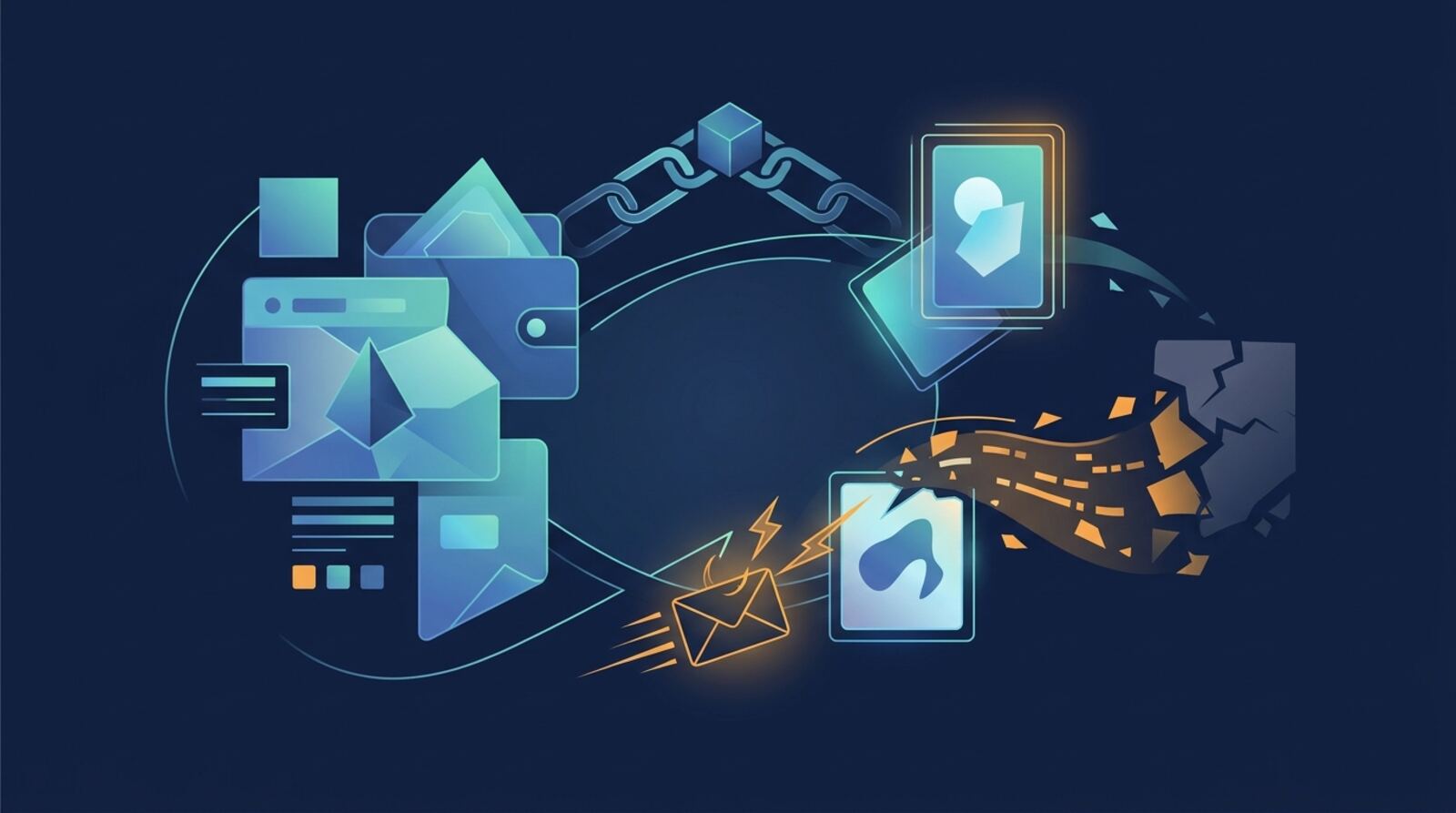
In February 2022, a phishing attack targeted users of the OpenSea marketplace shortly after the platform had launched a new smart contract. According to contemporary reporting, the attacker copied OpenSea's email style and sent a message that looked like an official notice. The emails pushed recipients toward a fake site that asked them to connect their wallets and sign requests. Reports at the time put the loss at 254 NFTs valued at over $1.7 million, taken from 32 users. Some of the stolen items were tokens from the Decentraland virtual world, showing that the losses were not limited to one collection.
The lesson is not that OpenSea was the only target. Phishing campaigns follow major events because people expect legitimate messages during launches, drops and migrations. A convincing email that arrives at the right moment can get past a careful collector. The incident is useful as a case study because it shows how the attack chain worked: a trusted brand name, a believable reason to act, and a request that gave the attacker control over assets.
If you are reading this as someone who held NFTs at the time, the practical takeaway is simple. Any email that asks you to connect a wallet to continue, verify an account or claim an item should be checked before you act. The 2022 event is a reminder that the marketplace brand alone does not prove a message is genuine.
How a fake OpenSea email drains an NFT wallet
Most wallet drains do not start with someone handing over a seed phrase. They start with a signature. A wallet can be asked to approve a contract to spend tokens, or to sign a message that grants broader permissions. Once the approval is granted, the attacker's contract can move assets without the owner sending anything again. This is why a fake page can be dangerous even if you never type a password.
A typical scam flow looks like this. The email contains a link that appears to lead to the marketplace. The link opens a copy of the site hosted at a different address. The page offers a connect button, and after connection it requests a signature that looks routine, such as verifying ownership. The request may be disguised as a login or a claim. If the signature grants spending rights, the attacker drains tokens and NFTs in the background.
Some scams also use a phone or desktop browser prompt that appears after clicking, or they ask you to install software. Users who had a mobile wallet open sometimes approved transactions they did not understand. The common thread is that the wallet confirmation screen is the last line of defence, and attackers design their pages to rush you past it. Reading what you are approving, slowly, is the most valuable habit you can build.
What the 2022 and 2023 data breaches exposed
Separate from phishing campaigns, OpenSea reported a data breach in mid-2022. In a notice to users, the company said that some customer email data had been exposed, and it warned people to be wary of phishing messages that could follow. Reporting at the time described the matter as an email data breach affecting many users, and it prompted the company to tell customers to watch for suspicious contact.
A later incident was reported in late September 2023. OpenSea's notice said user email details and some developer API information had been affected after a worker at an email delivery partner leaked customer data. Coverage of that incident described the exposure as significant and noted that exposed addresses could be used for targeted phishing. Later reporting on the broader set of breaches cited a figure of around 7 million email addresses for the 2022 event. Figures like these can be revised as investigations progress, so check the most recent official statements rather than relying on any single number.
For readers, the important point is that a leaked email address is not the same as a leaked wallet. Exposed contact data makes it easier for criminals to write convincing messages with your name and account details. It does not, by itself, give them the ability to spend your assets. Your funds remain at risk mainly through approvals you grant, so protecting approvals matters more than hiding your address.
Why email alone can't be trusted for wallet actions
Email is a poor channel for anything that touches a wallet. Legitimate services can send notices about account changes, listings or policy updates, but they should not require you to connect a wallet through an email link to fix a problem. Once an attacker controls the message, they control what the link does, and a single click can take you to a page that looks identical to the real site.
There is also a trust problem. People expect marketplaces to send emails, so they are less alert to a message that appears routine. Attackers use this expectation. A fake notice about an offer, a claim window or a suspended listing can create urgency. Urgency is the main tool of phishing. It reduces the time you have to think, and it encourages you to act before you verify.
A safer rule is to treat any email as a prompt to check independently. Open the platform in a browser you trust by typing the address or using a bookmark. Look for the same notice inside your account. If nothing appears there, the email was probably not real. This simple habit defeats most phishing, because the attacker cannot control the site you reach when you type the address yourself.
Signs that an OpenSea email is a scam
Several signs appear again and again in scam emails. The sender address may look close to the real one but use a slightly different domain. The greeting may be generic, or the message may use unusual wording for a company that normally writes plainly. The link may not match the text it displays, and hovering over it may show a different address. The message may create a deadline or threaten to close your account if you do not act.
Other warning signs come after the click. A page that asks you to connect a wallet before showing any information is suspicious. A signature request that does not clearly state what it authorises should be refused. A prompt to enter a seed phrase or private key is always a scam, because legitimate marketplaces never need it. If a page asks you to download an unknown file or extension, stop.
Some users only realised something was wrong after the email link opened in a browser they did not expect or after a mobile wallet showed an unfamiliar request. If that happens to you, close the page and do not continue. Attackers rely on momentum, so a pause is the most effective defence. Checking the address bar, reading each confirmation and cancelling anything unclear will prevent most losses.
What to do if you already clicked or signed
If you have already clicked a link or signed something, act quickly but calmly. First, stop interacting with the suspicious page and do not sign any further requests. If you still have access to the affected wallet, move valuable assets to a new wallet that you created and secured yourself. Type the destination address carefully and confirm the first few characters and last few characters, because clipboard hijacking is another known trick.
Next, review token approvals. An approval is permission for a contract to spend a specific token on your behalf. Many wallets and independent approval-checking tools show current approvals. Revoke any approval you do not recognise, especially unlimited ones granted to unfamiliar contracts. Revoking usually costs a network fee, and you should check the fee before confirming.
Then secure your accounts. Change the password on the email account that received the message, enable two-factor authentication where available, and review recent sign-ins. Check whether other accounts reuse the same password. Keep a written record of what you did and when, including transaction hashes and screenshots of suspicious messages. This record helps if you report the incident or speak to a professional. Be cautious about anyone who contacts you offering to recover funds for a fee, since recovery scams are common after a theft.
Steps to protect your NFT wallet going forward
A strong setup separates your activity by risk. Use one wallet for交易 with only the assets you need for trading, and keep long-term holdings in a separate wallet that you rarely connect to websites. This limits the damage if a single approval is abused. Hardware wallets can add a further layer, because they show transaction details on a separate device, although they do not stop you from approving a malicious request if you confirm it.
Review approvals on a schedule rather than only after a problem. Many people grant unlimited spending rights to marketplaces or decentralised apps for convenience, and those permissions can outlive the reason they were given. Reducing approvals to the amount you actually need, and revoking old ones, shrinks what an attacker could reach.
Finally, make verification a habit. Bookmark the official site, enable two-factor authentication on the email account linked to your marketplace login, and avoid storing seed phrases in digital notes or photos. Never type a seed phrase into a website, and never share it with anyone claiming to be support. These steps are dull, but they are the reason most experienced collectors avoid the losses that catch newcomers.
Checking current status and where to find official updates
Because security incidents change over time, the most reliable current information comes from official sources. Check the OpenSea help centre and any security notices posted inside your account or on the platform's verified social channels. Verify that a channel is official by comparing the handle and links with the ones listed on the platform's own site, and be wary of accounts that appear only after a scare.
For a historical view, reporting from established news outlets and the platform's breach notices will give you dates, scope and what the company said it changed. Read more than one source where possible, and note when an article was published, since early figures are often updated. If a number matters for your decision, treat the most recent official statement as authoritative.
Also keep an eye on general phishing trends. Security researchers and wallet providers publish guidance on new scam patterns. Use these resources to learn the common forms of attack, not to find specific claims about any one person. The aim is to recognise the structure of a scam, which stays similar even when the branding changes.
How to report a scam and recover what you can
If you lost assets, report the incident as early as you can. Start with the marketplace's support or security contact, using the address listed on its official site rather than one in an email. Provide transaction hashes, the wallet address involved and the time of the incident. Ask whether the platform can flag or delist stolen items, which can make resale harder for thieves, though this does not guarantee return.
You can also report to law enforcement in your country and to consumer protection bodies that handle online fraud. Many jurisdictions have cybercrime units that accept reports about digital asset theft. Keep your evidence organised, including screenshots of the email, the page you visited and any approval you granted. Be honest about the sequence of events, because accurate detail helps investigators.
Be realistic about recovery. Stolen NFTs and tokens can be moved quickly across chains and marketplaces, and blockchain transactions are generally irreversible. Recovery services that promise guaranteed returns for an upfront fee are often scams themselves. Focus on preventing further loss, reporting accurately and learning the pattern so the next message is easier to spot.
Frequently asked questions
Can I lose NFTs just by opening an OpenSea-looking email?
Usually not by itself. Reading a message does no harm, but clicking a link and connecting a wallet, or signing a message or approval, can give an attacker permission to move assets. The risk comes from what you do after opening the email, so treat every link and signature request as a decision that needs checking.
How do I confirm an OpenSea email is real?
Go to OpenSea by typing the address yourself or using a bookmark you created earlier, then check any alerts from inside your account. Do not use links in the email. Also review your wallet's token approvals in a reputable approval-checking tool and revoke any you do not recognise.
What should I do if I already signed something from a fake email?
Stop using the wallet for new activity, move remaining assets to a fresh wallet you control by typing the destination address carefully, and revoke suspicious approvals. Change passwords and secure the email account tied to the marketplace. If the amount is significant, consider speaking to a professional in your jurisdiction and reporting the incident to the platform and relevant authorities.
Did the data breaches let hackers take funds directly?
Reports on the 2023 incident described exposure of user emails and some developer API information after a worker at an email delivery partner leaked customer data. Exposed email addresses make targeted phishing easier, but they do not give access to wallets on their own. Attackers still need you to approve something, so the defence is the same as before.
What is the safest way to set up a wallet for NFT trading?
Use a dedicated wallet for trading that holds only what you need, keep larger holdings in a separate wallet, never approve unlimited spending you do not need, and use a hardware wallet where your setup allows it. Check approvals regularly and treat urgent emails about claims, drops or account problems as suspicious until verified.
Mentioned in this guide
dApps in this guide
OpenSea is a peer-to-peer NFT marketplace for buying, selling and minting digital collectibles, aimed at collectors, creators and developers.
Decentraland is an Ethereum-based virtual world for attending events, creating experiences and using MANA, including around NFT land.
Keep reading
Related guides
NFT · Explainer
Decentraland Mega Tower Sale: How Land NFT Sales Work in 2026
Virtual land sales in Decentraland have produced some headline prices, but the specific 238,000 Mega Tower figure could not be confirmed from the sources reviewed for this guide. This explainer covers how Decentraland land sales work, what the documented record sales were, and how to check any sale report yourself.
NFT · Explainer
Enjin Decentraland NFT Awards: How Nominations and Voting Work
Enjin has announced NFT awards inside Decentraland with nominations open, and this guide explains what that kind of in-world award usually involves, how to take part safely, and how to check the announcement yourself. The live search was unavailable while writing, so categories, deadlines and prizes are left for you to confirm on the official channels.
NFT · Explainer
How Boson Protocol Sells Physical Fashion in Virtual Worlds
Boson Protocol lets sellers attach a physical item to an NFT that can be redeemed for the real product, and it has been used to sell physical fashion inside virtual worlds such as Decentraland. This guide explains how the escrow and redemption model works, what the Metaverse Fashion Week collaborations showed, and what to check before buying or selling today.
NFT · Explainer
Coca-Cola NFTs in Decentraland: What Brand Launches Mean in 2026
Coca-Cola's move into Decentraland is a brand activation in a virtual world built on Ethereum. This guide explains how Decentraland NFTs and brand drops work, how to confirm a drop is genuine, and how to claim one without exposing your wallet.
Security and scams · Explainer
OpenSea Upgrade Hacks: What Happened and How to Stay Safe
Between 2022 and later, OpenSea users faced a run of attacks tied to marketplace changes, from a listing flaw to upgrade-themed phishing and malicious signature requests. This guide explains what happened, why upgrades create openings for scams, and how to protect an NFT wallet today.
Security and scams · Explainer
OpenSea Data Breach Explained: Risks and What Users Should Do
A breach of user information at a large NFT marketplace mostly creates phishing risk rather than direct theft, so the real defence is knowing what leaked in general terms and how to verify anything that claims to come from OpenSea. This guide explains what a leak of this kind usually exposes, how attackers use it, and what to do now.
Security and scams · Explainer
The Poly Network Hack: What Happened in 2021 and What It Teaches
In August 2021 an attacker drained more than $600 million from Poly Network, a cross-chain DeFi platform. This guide explains how the exploit worked, what happened to the funds, and the security lessons that still apply to bridges and cross-chain apps in 2026.
Security and scams · Explainer
OneShot Miner Review: Safety, Setup, and Bitcoin Odds
OneShot Miner appears to be a small, hobbyist Bitcoin mining device, not a dependable way to earn income. Learn what it can do, how solo-mining odds work, and what to check before buying or connecting it.