Web3 gaming · How-to
How to Play, Win and Earn in GRIT: Wild West Battle Royale Guide
GRIT is a Wild West battle royale where players loot weapons through poker-style card hands and fight for the last spot standing. This guide explains how to learn the core loop, what winning takes, how the earning side has worked, and what to check before spending money or sharing account details.
By the DappsAtlas editorial team · Updated
What GRIT is and how a match works
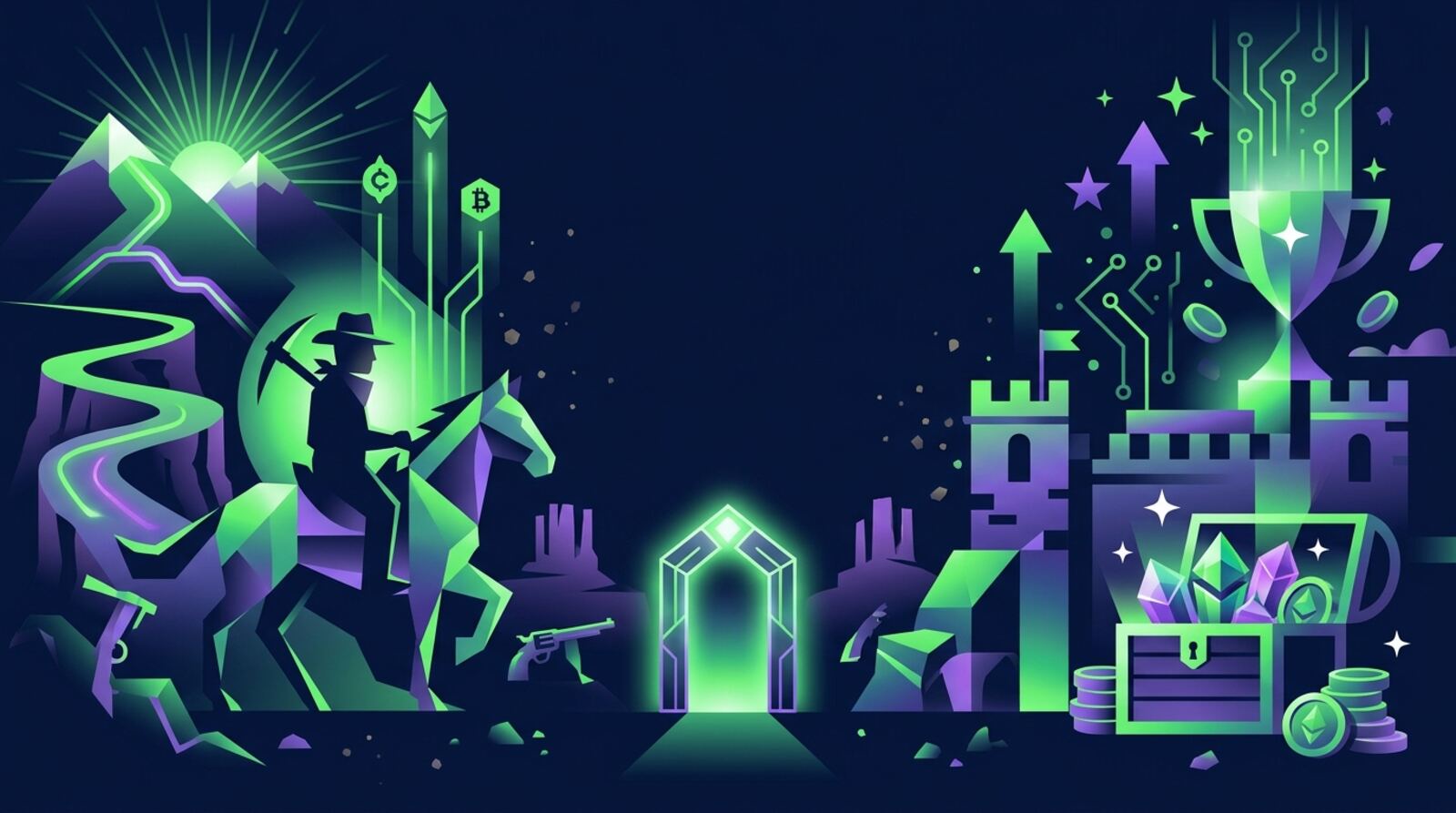
GRIT is a third-person Wild West battle royale for up to 100 players. Each match starts with players dropping onto a large map from an aircraft. You land, find weapons and gear, and try to be the last rider standing while a shrinking danger zone pushes everyone closer together.
The game's identity comes from its loot system. Weapons are represented by playing cards, and when you collect cards that form a poker hand, such as a flush, you earn a perk tied to that hand. This means your loot is not just a list of guns. You are building a hand, and the best combination of weapons and perks depends on what you find in each match.
GRIT also includes horse combat and trains, which add mobility and extra fights on the map. Horses let you cover ground quickly, but they make you easier to spot, so they are useful for repositioning rather than for charging into the middle of a fight.
Before you spend time or money on the game, understand the basic loop: land, loot, build a hand, survive the zone, and fight. Everything else in this guide builds on that cycle.
Where GRIT stands in 2026
GRIT has had more than one identity. Early coverage described it as a Web3 battle royale with blockchain features, and a 2023 guide explained how to create a Gala Games account, download the PC client and load the game. Later reporting covered its development and features as a shooter with a card-based loot system.
A 2026 announcement in public reporting says GRIT has officially launched on Steam as a third-person Wild West battle royale for 100 players. That makes the Steam store page the most current place to confirm the platform, price, system requirements and whether any blockchain features are part of the version you install.
If you read an older guide that tells you to set up a wallet or to claim tokens, check whether those steps still apply. Game versions change, and instructions tied to a previous launch can be out of date.
The practical takeaway is simple. Start from the official product page, confirm what the current release includes, and only follow setup steps that the developer or store page lists for that version.
Setting up your account and wallet safely
Start with the platform you plan to use. For the Steam release, you need a Steam account and a PC that meets the listed requirements. Check the store page for the supported operating system, graphics card and storage space before you buy.
If you are looking at a Web3 version or an older client that asks for a Gala Games account or a crypto wallet, slow down and verify each step. Use the official developer website or the store page to find the correct download. Do not install a launcher from a link in a chat message, a comment or an advert.
If a wallet is required for a specific version, create it yourself on a reputable wallet app and write down the recovery phrase on paper, offline. Never share the recovery phrase, and never type it into a website, a game client or a support chat. A legitimate support team will never ask for it.
Keep your login details separate. Use a strong, unique password for each game account, turn on two-factor authentication where it is offered, and check the account's recent login history if the service shows it.
Learning the core loop: land, loot, position, fight
Once you are in a match, your first goal is to understand the loop well enough to act without thinking. The core loop has four parts: landing, looting, positioning and fighting.
Landing is your first decision. Popular drop areas are busy and produce fights early. Quieter areas give you time to gear up but may leave you far from the zone you need later. Pick a spot that matches how confident you feel.
Looting is about building a hand. Watch which weapon cards you collect and how they fit together. A hand that forms a recognised poker pattern can give you a perk, so decide early whether you are chasing a specific pattern or staying flexible.
Positioning means staying aware of the play zone and of where other players are likely to move. Fighting is the final step. Take fights you can win with cover and a clear escape route, and avoid long exchanges in the open.
Spend your first few matches learning how each weapon feels and what the perks do, before you judge how well you are doing.
Tactics that improve your win rate
Winning in a battle royale comes from good decisions repeated over many matches, not from one lucky fight. These habits apply well to GRIT.
- Plan around the zone. Check the map early, note the likely final area and avoid being caught in the open when the zone tightens.
- Use cover and sound. Move between buildings and rocks, and listen for gunfire before you cross open ground.
- Keep a backup weapon. Running out of ammo for your main weapon in a long fight is a common way to lose.
- Use horses to reposition. A horse helps you rotate away from a fight or reach the zone, but dismount before you engage.
- Watch trains and high-traffic routes. These can offer loot and fights, so decide whether the reward is worth the risk.
- Stop early in the match. Looting too far from your path can cost you the time you need to reach a safe position.
After each match, note how you died or what made you win. Repeated patterns, such as always fighting in the same open area, show you what to change.
How earning works and how to check it
GRIT's earning side is the part most likely to have changed since older guides were written. Public reporting do not confirm a current reward model, token or payout rate for the Steam release, so this section explains how to check rather than giving figures.
When a game offers earnings, rewards usually come from a mix of in-game activity, events, seasonal competitions or a marketplace for items. Each of those has rules, eligibility conditions and fees. Read the official terms before you assume a reward will be paid.
To check what applies now, look at the developer's official website, its announcements and its support pages. Look for the exact definition of any reward, the currency or token involved, any minimum requirements, and how items are traded or withdrawn.
Treat any earnings as uncertain until they are confirmed in the official system. Keep records of what you do, screenshot important announcements, and be wary of anyone promising guaranteed returns from playing.
Managing cost, volatility and scam risk
Any game that pays in crypto or tradable items carries financial risk. The value of a token or an in-game item can fall quickly, and you may not be able to sell it at the price you expected. Only spend what you can afford to lose entirely.
Set a budget before you start. Decide how much time and money you will spend per week, and stop when you reach that limit. Avoid taking loans or using savings to buy in-game items or tokens.
Be aware of costs beyond the purchase price. Transaction fees, marketplace fees and currency conversion can reduce any gains. Add these up before judging whether an activity is worthwhile.
Watch for common scams. These include fake support accounts that offer help for a fee, copycat websites, fake giveaways and requests to approve a wallet connection. If something asks for your recovery phrase, password or a payment to release a reward, stop and contact the official support channel separately.
Where your local laws treat crypto or prize-linked features as regulated activity, follow those rules. Check your local laws and the terms of any service you use.
A safe first-session checklist
If you want a simple first session, follow this order.
- Confirm the current platform, price and requirements on the official store page.
- Create or sign in to your account using the official site only.
- If a wallet is required, set it up yourself and back up the recovery phrase offline.
- Enable two-factor authentication on the game account, if it is offered.
- Read the current reward terms and note any eligibility rules.
- Play a tutorial or practice session, if one exists, to learn controls.
- Play a few casual matches with a set time limit.
- Note what you learned about the loot system, the zone and your own habits.
- Review the reward terms again before deciding to spend any money.
- Stop when your budget or time limit is reached.
Keeping the first session short makes it easier to judge the game on its own merits before any money or tokens are involved.
Alternatives if you want other Web3 shooters
If you like the idea of a Web3 shooter, several dApps in this area take different approaches. Compare them on platform, cost, whether crypto is required, and how their rewards are documented.
- Off The Grid is a cyberpunk battle royale shooter with in-game NFTs, aimed at console and PC players.
- Mighty Action Heroes is a free-to-play 20-player web3 battle royale with NFT elements, for browser and Android players.
- Gunnies is a free-to-play cartoon PvPvE bunny shooter on Epic Games with NFT collectibles.
- Big Time is a free-to-play multiplayer action RPG for Windows PCs with NFT collectibles.
For card-based strategy with earning features, Splinterlands uses NFT cards on the Hive blockchain, and Axie Infinity is a long-running Ronin-based game with its own token.
Whichever you choose, the same rules apply. Confirm current terms, avoid anyone who asks for your recovery phrase, and keep your spending within a budget you can afford to lose.
Frequently asked questions
Do I need a crypto wallet to play GRIT?
Not necessarily. Older guides from 2023 and 2024 described a Web3 version that asked for a Gala Games account and a wallet. A 2026 announcement in public reporting says GRIT has launched on Steam, so the current setup may be a standard PC game. Check the official site or the Steam store page for the requirements of the version you want to play.
How much can you earn playing GRIT?
Public reporting do not give a confirmed, current reward structure, so do not assume one. Older Web3 coverage described earning through in-game activity, but payouts depend on the version, the economy and the rules in force at the time. Read the official announcements and terms, and treat any earnings as uncertain until you see them confirmed.
Is it safe to click links about GRIT rewards?
Be cautious. Scammers copy popular games and post fake download links, token airdrops and support accounts. Only download from the official store page or the developer's own site, never enter your seed phrase or private key into any website or chat, and ignore messages that ask you to connect a wallet to claim a prize.
What is the best way to get better at GRIT?
Skilled players tend to pick landing spots that match their loot plan, keep track of the play zone, avoid open ground in the late game and use horses to reposition rather than to charge into fights. Practise in short sessions to learn the weapons and card combinations before you play for stakes or rewards.
Are there other Web3 battle royale games like GRIT?
Yes, in general. Several Web3 games in this category, such as Off The Grid and Mighty Action Heroes, combine shooter gameplay with NFT or token features. They differ in platform, cost to start and how much crypto is involved, so compare their official documentation before choosing one.
Mentioned in this guide
dApps in this guide
Off The Grid is a cyberpunk battle royale shooter by Gunzilla Games with in-game NFTs, aimed at console and PC shooter fans curious about blockchain gaming.
Mighty Action Heroes is a free-to-play 20-player web3 battle royale from Mighty Bear Games, with NFT elements on Arbitrum, for browser and Android players.
Gunnies is a free-to-play cartoon PvPvE bunny shooter on Epic Games with NFT collectibles and a ranked Season 2 for casual shooter fans.
Big Time is a free-to-play multiplayer action RPG for Windows PCs with NFT collectibles and a $BIGTIME token, aimed at gamers curious about Web3 economies.
Axie Infinity is a Ronin-based NFT game where players collect, combine and battle creatures called Axies, with its own AXS token.
Splinterlands is a blockchain collectible card game on Hive where players battle with NFT cards and earn or stake the SPS governance token.
Everything is an early beta DeFi protocol that merges a Curve-style AMM, oracle-less lending and limit orders into one contract per token pair.
Gala Games is a play-to-earn blockchain gaming ecosystem with the GALA token, aimed at players who want to earn in-game assets.
Infinity is a DeFi lending and borrowing protocol offering floating and fixed rates and yield curve trading, still shown as testnet or beta on its homepage.
Keep reading
Related guides
Web3 gaming · Review
CryptoArena Review: How Crypto Combat Games Work in 2026
CryptoArena is a name that points to a crypto combat game, but public reporting for it mostly describe a sports venue, so this guide explains how to check any combat crypto game before you commit time or money.
Web3 gaming · Review
Zendodo Party Squid Game NFT Game: What We Know in 2026
Zendodo Party has been presented as a Squid Game inspired NFT game, but public reporting we checked do not confirm its launch details, so this guide explains what to verify before you connect a wallet, how to judge licensing and token claims, and which established Web3 games are worth comparing.
Web3 gaming · Explainer
MetaStrike Explained: Play-to-Earn First-Person Shooters in 2026
MetaStrike is a multiplayer first-person shooter that combines team combat with blockchain-based rewards. This guide explains how it works, what play-to-earn means in a shooter, and how to check its current status before you spend time or money on it.
Web3 gaming · Explainer
Blockchain Brawlers Arena Win: What Is Verified in 2026
Searches this week turned up no verified news of a Blockchain Brawlers arena win, only unrelated combat sports results and a 2019 arena battler launch. This guide explains how to check a claim like this and how arena battlers on blockchains usually decide outcomes.
Web3 gaming · How-to
How to Play Xpansion and Earn XPS Rewards in 2026
Xpansion is an on-chain 4X strategy game that uses NFTs and the XPS token. This guide explains how to get set up, how the core strategy loop works, how XPS rewards are generally earned, and how to check current details before you commit any funds.
Web3 gaming · How-to
How to Play Voxie Tactics: Beginner Guide to Voxies and Battles
Voxie Tactics is a free-to-play tactical RPG where you collect characters called Voxies, equip them and fight turn-by-turn. This guide covers setup, team building, game modes and the Web3 side, including how to stay safe.
Web3 gaming · Explainer
How to Read an October Blockchain Gaming Report in 2026
A monthly blockchain gaming report can show where activity is heading, but only if you know which numbers to trust. This guide explains the metrics, the common traps in market data, and how to check any October edition yourself.
Web3 gaming · How-to
How to Play Trickshot Blitz: Controls, Shots and Practice Tips
Trickshot Blitz rewards precise aim and a working sense of angles more than speed. This guide covers the core skills that carry over from trick-shot pool games and a practice method you can apply inside the app.