Security and scams · How-to
How to Use a Blockchain Private-Key QR Code Safely
A QR code can contain a public wallet address, a private key, or transaction data. Learn how to tell the difference, handle a private-key QR with care, and act quickly if its secret may have been exposed.
By the DappsAtlas editorial team · Updated
What does a private-key QR code contain?
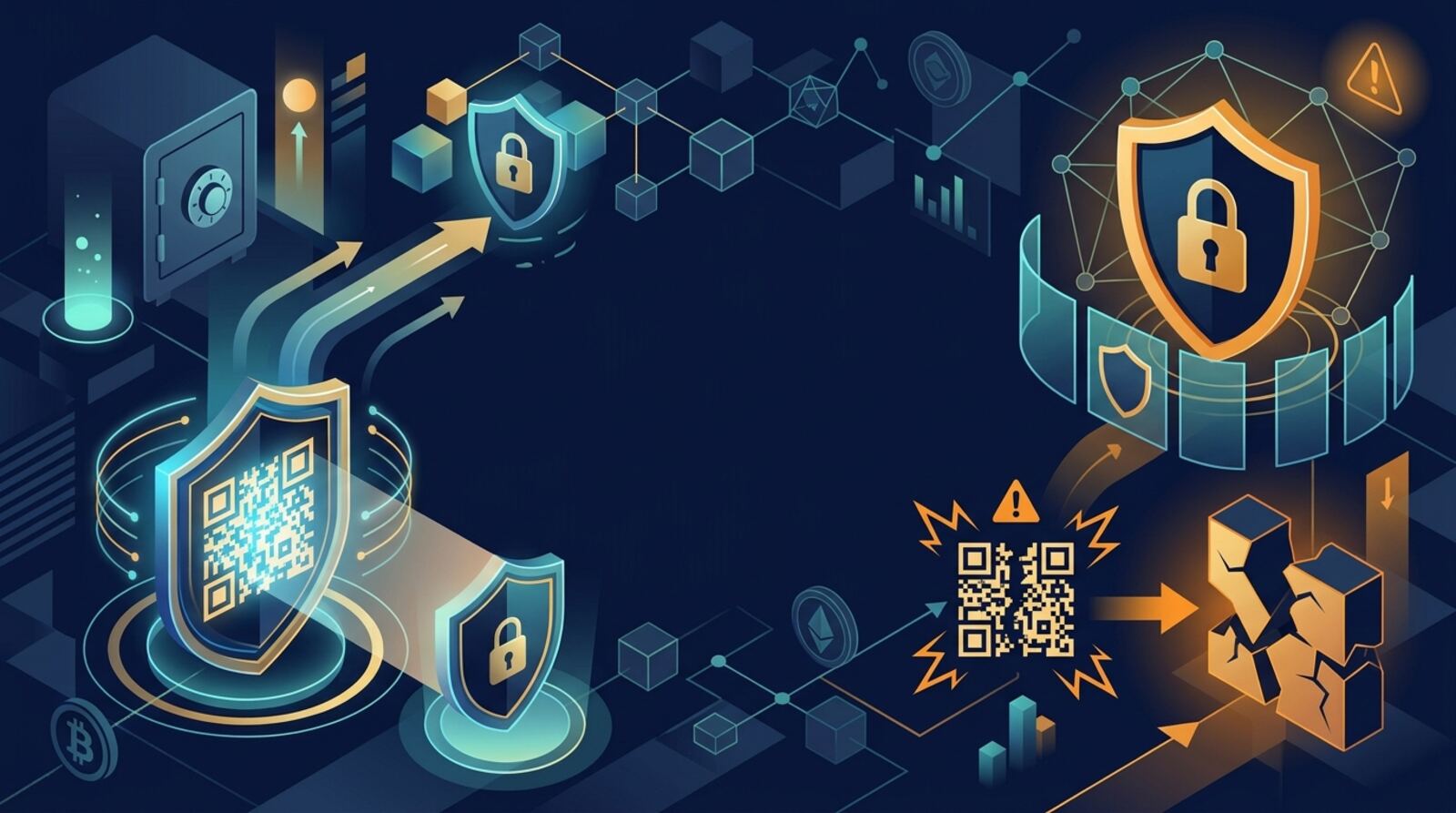
A blockchain private key is a secret that proves control of the funds or assets associated with it. A QR code is only a visual way to encode data. It does not encrypt or protect whatever is inside, and anyone who can read a QR containing a private key may be able to use that key.
Not every wallet QR code contains a secret. It might show a public address for receiving funds, a payment request, an account connection request, or transaction data for signing. A transaction-signing QR is not necessarily a private key: it can carry an unsigned transaction to an offline wallet and return a signature without exposing the key itself.
The key question is what the QR encodes and what the scanning app will do with it. Treat a QR as sensitive whenever you cannot confirm that it contains only public information. Do not assume it is safe because it is printed on paper, shown on a familiar screen, or labeled “wallet.” Labels can be wrong or deceptive, and a paper copy can be photographed just as easily as a screen can be captured.
How can you tell whether a QR contains a secret?
Check the purpose and context before scanning. A public receiving address is meant to be shared; a private key is not. Some codes contain text or a wallet-specific format, while others encode a private key in a format such as WIF for Bitcoin. A code may also encode a seed phrase or a payment URI. The QR image alone may not make the distinction obvious.
Use only a trusted wallet’s own documented import or scan flow if you have a legitimate reason to handle the key. Read the app’s description of the data it expects before opening the camera. Do not upload the image to an online QR decoder, paste the encoded text into a website, or send it to a support agent. Online tools may store or expose the secret, and a key cannot be made safe again by deleting a message afterward.
If the code is presented as an address but the app says it is importing a key, stop. If you do not know who created the code, why it exists, or what wallet and network it belongs to, do not scan it. When in doubt, ask the wallet provider through an independently verified support channel without sharing the QR or its contents.
Should you scan a private-key QR code at all?
In most cases, do not scan or import a private-key QR just because someone asks you to. You generally do not need a private key to receive funds, check a balance, connect a wallet, or create a watch-only view. Those actions use a public address or a wallet’s normal connection and signing features.
Be especially wary if a stranger, support account, giveaway, exchange message, or recovery service says you must scan a code to verify a wallet, claim funds, unlock a balance, or fix a transaction. A legitimate support representative should not need your private key or seed phrase. A QR displayed in a tutorial or posted online can also be a trap; anyone who obtains the secret may spend the funds.
Handle a private-key QR only when you have a clear, necessary reason, such as recovering an old wallet you own. Confirm you understand the wallet format and network, and decide whether moving the assets to a fresh wallet is safer than keeping the old key in regular use. If a task can be completed with a public address, hardware-wallet approval, or standard wallet connection, use that instead of exposing a private key.
How should you prepare before handling the QR?
Before you scan, verify the wallet app and its source. Install it through the project’s official distribution channel, check the publisher, and avoid sponsored lookalikes, unsolicited downloads, and files sent through chat. A QR reader that uploads scan history or runs through a website is not appropriate for a private key. A phone camera may also save scan history or display the decoded secret in a notification, depending on its settings and software.
Use a device you control and trust. Keep other people from seeing the code, and prevent screen recording, screenshots, cloud photo backup, shared clipboard sync, and unnecessary camera or accessibility permissions. These steps reduce exposure but cannot guarantee that a device is free of malware. If the key protects significant value, consider whether recovery through a reputable offline or hardware-wallet process is available instead.
Have a fresh destination wallet ready before you handle an old key. Create it in a trusted wallet, secure its recovery phrase offline, and verify the receiving address on the wallet itself. Do not create a new wallet through a link or QR supplied by the person who gave you the private-key QR. The destination should be under your control before any funds are moved.
How do you scan and import a private-key QR safely?
If you have decided that recovery is necessary, use the wallet’s documented import or recovery process. Confirm that the wallet supports the key’s format and the relevant network; Bitcoin key formats and account-based chains are not interchangeable in every wallet. Scan only inside the wallet’s import flow, and check carefully that you are not in a send, connect, or website-login screen.
A cautious process is:
- Open the trusted wallet app yourself, rather than following a link or instruction from a stranger.
- Select the documented option for importing or recovering a key, and check which data it requests.
- Scan the code with the app’s built-in scanner, shield it from other cameras, and do not capture, copy, or message the decoded value.
- Confirm the wallet identifies the expected account or address. Check the address using an independent, trusted method before making decisions about funds.
- If your goal is to secure assets, move them to the fresh wallet rather than treating the imported key as safe for ongoing use.
Stop if the app asks you to enter the key into a webpage, share it with support, or approve an unrelated transaction. Never reveal the key to “verify” that an import worked.
Should you import the key or sweep the funds?
Importing and sweeping are different. Importing adds the old private key to a wallet so that wallet can use it. The funds usually remain at the original address, and the old key still controls them. If the key was printed, photographed, or stored on an internet-connected device, importing it does not remove those existing risks.
Sweeping means using the old key to send assets to an address controlled by a new key. It is a blockchain transaction, not a special kind of QR scan, and it normally requires a network fee. Sweeping can reduce the risk of continued use of a compromised key, but it does not erase copies that may already exist. Check the destination address carefully and confirm the wallet supports the assets and network you need to move.
A sweep may require more than one transaction if the key controls assets on different networks or multiple asset types. On account-based chains, tokens may need the network’s native asset to pay transaction fees. Do not send more funds to an exposed address just to fund a transfer unless you understand the risk of an attacker taking them. If the assets are valuable or a transaction is unclear, pause and seek qualified, independently verified help without sharing the key.
How is QR-based offline signing different?
Some wallets use QR codes for air-gapped signing. In that setup, an online device prepares an unsigned transaction and displays it as a QR code; an offline signing device reads the transaction, signs it with a key kept offline, and returns a signature or signed transaction by QR. The online device then broadcasts the signed transaction. This can avoid typing a private key into an internet-connected device.
That process is not the same as scanning a QR that contains a private key. Keep the key on the signing device; do not export it into a QR or scan it with a general-purpose camera app. Before approving a transaction, inspect the recipient, amount, network, and any contract or token permissions on the signing device’s trusted display. A QR can carry a harmful transaction just as easily as a harmless one, so offline signing does not mean every request is safe.
Air-gapped workflows depend on the wallet’s design and correct setup. Follow that wallet’s official instructions, use supported devices, and test with a low-value transaction when appropriate. A hardware wallet may not support importing an arbitrary key, and a QR scan alone does not make a device air-gapped or secure.
What should you verify before approving anything?
After scanning, pause before confirming any action. Compare the account or address shown by the wallet with the expected one. If you are sending funds, check the destination, network, asset, amount, and fee in the wallet’s confirmation screen. Do not rely only on details shown on the computer or phone that prepared the transaction; malware can alter what appears there.
Reject requests that ask you to sign an unexplained message or transaction, approve unlimited token spending, connect to an unfamiliar site, or send a test payment to prove ownership. A signature can authorize an action even when it does not look like a straightforward transfer. If the wallet asks for permissions or a contract interaction that you do not understand, cancel and learn what it does before proceeding.
If you only needed to check a balance, use a public address with a watch-only wallet or a blockchain explorer you reached independently. You should not have to enter a private key to view public blockchain activity. When recovering assets, verify that a transaction is confirmed on the correct network and that the new wallet shows the expected balance. Never share a screenshot that reveals the QR, decoded key, recovery phrase, or other wallet secrets.
What should you do if the QR or key may be exposed?
Once a private key has been scanned by an app, entered on a device, or shown to another person, you cannot assume it remains secret. If you imported it into an internet-connected wallet, treat it as exposed to that device’s security risks. Do not reuse the key for new funds or rely on deleting the scan, image, or clipboard entry as proof that the secret is gone.
If you still control the assets, create a fresh wallet with a new key and move the assets there, checking the destination and network before signing. Prioritize assets at risk and do not add funds to the old address. An attacker who has the key may try to move funds first, so a transfer can be time-sensitive. If tokens or approvals are involved, review and address them from the new security plan; revoking an allowance alone does not make a compromised private key safe.
Afterward, remove exposed images and notes from devices and cloud accounts where practical, clear clipboard history, and review accounts for suspicious activity. These cleanup steps may reduce further disclosure, but they do not undo exposure. If the key is part of a larger recovery phrase, assume the phrase is compromised too and migrate every account derived from it using a fresh, securely stored recovery phrase.
How can you reduce private-key exposure in the future?
The safest routine is to keep private keys and recovery phrases offline, never send them to another person, and use a wallet’s normal signing flow instead of importing secrets unnecessarily. Share public addresses when you need to receive funds; do not confuse them with private keys. Use a watch-only wallet for balance checks and a hardware wallet or documented offline-signing setup when you need stronger separation between keys and internet-connected devices.
Store any paper backup somewhere private and protected from damage, theft, and unauthorized photography. Do not keep a clear image of a key in cloud storage, email, chat, or a general photo library. If you must recover an old wallet, plan the process first, verify the wallet and destination, and migrate funds to a newly generated key rather than continuing to rely on a key with uncertain history.
No QR scanner, phone, computer, or hardware wallet can make a secret safe if you hand it to a scammer or approve a transaction you do not understand. Treat urgent claims, guaranteed recovery offers, and requests for a seed phrase as warning signs. Stop, verify the request independently, and keep the key private.
Frequently asked questions
Is a private-key QR code encrypted?
No. A QR code is just a way to encode information, not a security feature. Anyone who can read a QR containing your private key may be able to control the assets linked to that key.
Does scanning a private-key QR code transfer my funds?
No. Scanning a QR code does not automatically move funds, but it may reveal the key to the wallet app or device doing the scan. What happens next depends on the app and whether you choose to import or sweep the key.
What is the difference between importing and sweeping a key?
Importing adds the key to a wallet, so that wallet can control the associated assets; it does not necessarily move them. Sweeping uses the key to send funds to a new address, which typically requires a blockchain transaction fee.
What should I do if I scanned or shared the QR by mistake?
Treat the key as compromised and, if you can, move assets to a new wallet created with a fresh key. Do not reuse the exposed key or put more funds into it; an attacker may also try to move assets first.
Can I use a private-key QR code to make a watch-only wallet?
Usually not. A watch-only wallet can display public information, such as balances and addresses, but it cannot spend funds without the private key or a signing device. Never enter a private key just to view a wallet.
Keep reading
Related guides
Security and scams · Explainer
What Is a Crypto Private Key? How It Works and How to Protect It
A crypto private key is the secret that lets a wallet authorize transactions. Learn how it relates to public addresses and recovery phrases, what can happen if it is lost or exposed, and how to protect it.
dApp basics · Best list
Best Crypto Apps to Use in 2026
The best crypto app depends on what you want to do: buy and hold, trade, swap tokens from your own wallet, or use DeFi. Compare these options by custody, location, costs and risk before you deposit or connect a wallet.
Wallets and tools · Explainer
CryptoCompare Guide: What It Does and How to Use It
CryptoCompare is a cryptocurrency market-data platform, not a wallet or exchange. Learn what its website and API can do, how to interpret the data, and what to check before relying on it.
Security and scams · Explainer
How Blockchain Analytics Works: A Practical Guide
Blockchain analytics turns public ledger records into searchable activity, transaction paths, and risk signals. Learn how the process works, what it can reveal, and why its conclusions are not proof of identity or wrongdoing.
Security and scams · Explainer
Velo Token Scam Concerns: What Happened and What to Do
Many people who bought or held a VELO token feel misled when its price or access changes sharply. This guide explains how token scams work, how to check Velo's real status, and what to do next if you have lost money.
Security and scams · Explainer
Uniswap Phishing Attack: How $8M Was Taken and How to Stay Safe
Reports of an attack that took about $8 million from users connected to Uniswap show how phishing works around a trusted DeFi app. This guide explains the common methods, the approval risk behind many drains, and the checks and steps that protect your funds.
Security and scams · Explainer
Vulcan Forged Hack: What Happened and Lessons for Crypto Users
In December 2021 attackers drained roughly $140 million from the Polygon-based Vulcan Forged play-to-earn ecosystem after taking control of 96 wallet private keys. This guide explains what happened, what the refunds did and did not fix, and which lessons apply to anyone holding crypto today.
Security and scams · Explainer
Not All Rug Pulls Are Equal: Types, Red Flags and Checks for 2026
Rug pulls are not one scam but several, and each leaves different warning signs. This guide sorts the main types, shows what to check for each one, and explains what to do if you have already been hit.