Wallets and tools · Explainer
Onchain Wallet Guide: How Wallets Work and How to Use One
An onchain wallet lets you manage blockchain accounts and authorize transactions. Learn what it controls, how to use one safely, and what to check before you send crypto or connect to an app.
By the DappsAtlas editorial team · Updated
What is an onchain wallet?
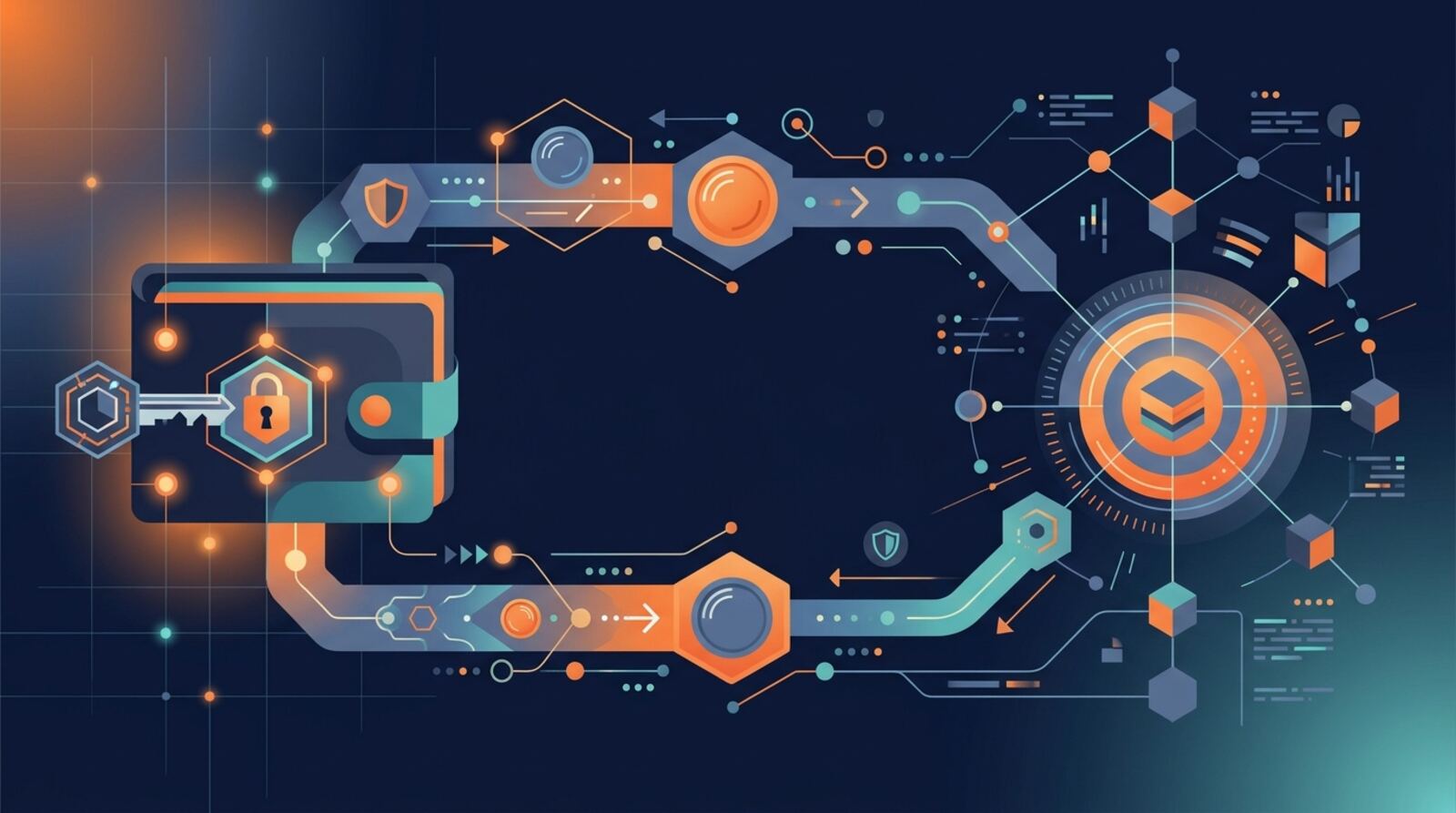
An onchain wallet is software or a device that lets you interact with blockchain accounts. You can use one to receive assets, send transactions, connect to decentralized applications, or manage items such as tokens and NFTs. “Onchain wallet” usually describes a category of wallet, not one particular app. If you encounter a service using that phrase as a product name, verify the exact provider and its official app before installing or entering any recovery details.
A wallet does not typically contain your coins in the way a physical wallet contains cash. The blockchain records balances and activity. The wallet manages credentials—usually a private key or a set of keys—that can authorize actions for an account. An address is the public identifier others can use to send assets to you.
Wallet designs differ. A self-custody wallet gives you control of the credentials, so you are responsible for protecting them and arranging recovery. A custodial service holds the credentials on your behalf and may control withdrawals. Some wallets use smart contracts or additional recovery and authorization features. Before choosing, find out who can approve transactions, how access is restored, and what happens if the app or device becomes unavailable.
How does a wallet interact with a blockchain?
A wallet helps you create or access an account, display addresses and balances, and prepare transactions. When you approve an action, the wallet uses your signing credentials to authorize it. The signed transaction is sent to the relevant blockchain, where the network checks and processes it. A wallet may also show transaction history, estimate fees, and connect to apps that request permission to interact with your account.
Keep these terms separate:
- Address: The public identifier used to receive assets or identify an account.
- Private key: A secret credential that can authorize actions for an account. Anyone who obtains it may be able to control that account.
- Recovery phrase: A series of words that can restore access to many wallets. Treat it as a master secret, not as a password to share with support.
- Signature: Your cryptographic approval of a message or transaction. Some signatures move assets; others grant permissions or prove control of an address.
A wallet interface is not itself the blockchain. It relies on network infrastructure to read activity and submit transactions, so an app outage may affect what you can see or do without changing the blockchain’s records. Nor does a wallet guarantee that an app, token, or transaction is safe. Read the action being requested and confirm what it will authorize before signing.
What is the difference between self-custody and custodial wallets?
A self-custody wallet gives you direct control of the signing credentials. This can make it easier to interact with blockchain apps without asking an intermediary to approve each action, but it also puts the burden of security and recovery on you. If you lose the recovery phrase or a device and have no working backup, the wallet provider may not be able to restore access. A copied phrase can let someone else take control.
With a custodial wallet, a company or platform controls the keys and handles some security and recovery processes. That may be simpler for people who prefer an account-based service, but access can depend on the provider’s rules, availability, and verification procedures. You may not have the same direct control over transactions as with self-custody.
Do not judge custody from branding or a wallet’s appearance. Read its documentation and look for clear answers to these questions:
- Who controls the private keys or signing authority?
- Can the provider freeze, restrict, or approve withdrawals?
- What recovery options are available, and who can use them?
- Does the wallet use a recovery phrase, device-based keys, guardians, or another system?
A smart-contract wallet can add features such as spending rules or recovery mechanisms, but those features have their own design and security assumptions. Understand the setup before putting significant funds in any wallet.
How do wallet addresses and networks work?
A wallet address is associated with a particular blockchain or network format. Some wallet software supports several networks, but that does not mean every asset can move freely between them. A token with the same name or ticker on two networks may be a different token contract or representation. Sending to an incompatible address or choosing the wrong network can make recovery difficult or impossible.
Before receiving or sending funds, check all of the following:
- The network selected in your wallet matches the network used by the sender or receiving service.
- The recipient supports deposits on that network, not just the asset’s name.
- The address is complete and belongs to the intended recipient.
- Any memo, tag, or other required detail is included where applicable.
- You have enough of the network’s native token to pay the transaction fee.
For a first transfer, a small test transaction can reduce the risk of a costly mistake, although it may incur an additional fee. If you need to move assets between chains, use a route designed for that purpose and check the source and destination networks, the asset received, the expected fees, and any delay. A bridge or cross-chain service introduces additional risks; it is not simply a change to the network setting in your wallet. Never assume that an address, token, or deposit method works across every chain.
What happens when you send or sign a transaction?
To make an onchain transaction, the wallet usually prepares the action, shows a fee estimate, and asks you to sign. Once submitted, the transaction waits for the network to process it. Its status may move from pending to confirmed, or it may fail. A transaction can appear in a wallet before it is fully confirmed, so check its status on the correct network before treating a transfer as complete.
Fees are paid to process activity on a blockchain and may change with network demand. The amount and payment method depend on the chain and the action. A simple transfer, token swap, or interaction with a smart contract may have different costs. Some apps also charge separate service fees, which should be distinct from the network fee. If the estimate is unclear or unexpectedly high, pause and inspect the transaction rather than approving it automatically.
Before signing, read the wallet’s full summary. Check the destination, amount, network, fee, and any app or contract name shown. For a contract interaction, understand whether you are swapping, depositing, borrowing, or granting an allowance to spend tokens. An allowance can remain active after an individual transaction, depending on the contract and wallet. Avoid approving unlimited or unfamiliar permissions unless you understand why they are needed. Confirmations on a blockchain are generally not reversible through the wallet.
How should you choose an onchain wallet?
Start by deciding whether you want self-custody or an account managed by a service. Then compare supported networks, devices, recovery options, security controls, and the kinds of transactions you expect to make. A wallet built for one ecosystem may not support the chains or apps you need. A multi-chain interface can be convenient, but it does not remove the need to check the network and asset for every transaction.
Useful questions to ask include:
- Is the wallet available through a verified app store listing or the provider’s official distribution channel?
- Does it explain who controls keys and how recovery works?
- Does it support the networks and tokens you plan to use?
- Can you review the transaction details and manage connected apps or token approvals?
- Are security updates and help information maintained?
Hardware wallets keep signing credentials on a dedicated device, while software wallets run on a phone, computer, or browser. Each has trade-offs: a hardware device can reduce exposure to some online threats, but it still depends on careful setup and safe recovery-phrase handling. A software wallet may be easier for frequent app use, but a compromised device or fake extension can expose you to danger.
For example, OKX Wallet is a self-custody, multi-chain wallet, while Talisman focuses on ecosystems including Polkadot, Kusama, and Ethereum. Check each wallet’s current network support and features directly before choosing; support can change.
How do you set up a wallet securely?
For a self-custody wallet, setup is also the creation of your access and recovery plan. Download the wallet only through a verified official channel. Be wary of sponsored search ads, unsolicited messages, copied websites, and instructions that ask you to install remote-access software. Fake wallet apps and support accounts are common ways to steal credentials.
During setup, follow the wallet’s own instructions to create or import an account. If it provides a recovery phrase, write it down and keep it offline in a private, secure place. Do not photograph it, store it in email or cloud notes, paste it into a website, or send it to anyone. Never enter it into a page reached through an unsolicited link. A legitimate support agent does not need your phrase or private key to troubleshoot a problem.
Set a strong device passcode and enable available protections such as biometrics or an app password. These controls can help protect the device, but they do not replace a secure backup of the recovery method. Test the recovery procedure with guidance from the wallet provider before relying on it, and never experiment by exposing the phrase to an unfamiliar site.
For larger balances, consider separating everyday spending from long-term holdings. A separate wallet can limit exposure to an app or contract you use frequently. Keep only what you need for routine activity in a more active account, and understand the recovery plan for every wallet you create.
How can you avoid wallet scams and unsafe approvals?
Connecting a wallet to an app can reveal your public address and prompt you to sign a message or transaction. That connection does not always mean the app can move assets, but approvals may grant a contract permission to spend particular tokens. Treat a request for a signature as a real security decision: read what the wallet displays, confirm the app’s identity, and reject actions you cannot explain.
Use these habits to reduce common risks:
- Reach an app through a trusted bookmark or independently verified channel, not a random message or advertisement.
- Check the domain spelling and make sure the wallet shows the app and network you intended.
- Avoid signing messages that are unexplained, especially if a page claims you must sign to claim a prize or fix an account.
- Review token allowances and revoke permissions you no longer need using a trustworthy tool for the correct network.
- Keep your device, browser, and wallet software updated, and avoid installing unknown extensions.
A transaction can be technically valid and still be harmful—for example, if it sends funds to an attacker or grants a malicious contract spending permission. A token’s displayed name or logo is not proof of authenticity; verify the token contract through a trusted source. If a wallet suddenly shows an unfamiliar asset, do not follow links or instructions included with it. Do not share your recovery phrase or private key with a person claiming to offer recovery, verification, or technical support.
What should you do if a wallet transaction goes wrong?
If a transfer is missing, first confirm that you are viewing the correct account and network. Look up the transaction status using the transaction identifier in a reputable blockchain explorer for that chain. A pending transaction may still be processing; a confirmed one may have reached an address or contract different from the one you intended. Compare the transaction details with your records before trying another transfer, since repeating it can send funds twice.
If you sent an asset to the wrong network or address, do not assume a wallet update can reverse the transaction. Contact the receiving service through its verified support channel if the destination belongs to an exchange or platform. Recovery may be impossible, and any offer to retrieve funds in exchange for your recovery phrase, private key, or an upfront “unlock” payment is a serious warning sign.
For routine wallet use, keep a simple record of addresses, networks, transaction identifiers, and the purpose of important transfers. Check balances and fees in the wallet and verify consequential actions independently. If you use multiple wallets, label them clearly so you do not confuse a test account, a long-term account, and a wallet connected to unfamiliar apps.
The safest approach is to slow down when an action is unfamiliar. Verify the wallet, recipient, network, and requested permission before signing. Self-custody offers control, not automatic protection: your security depends on the wallet’s design and on how carefully you manage keys, devices, and approvals.
Frequently asked questions
Does an onchain wallet store cryptocurrency?
No. A wallet manages the keys used to control assets recorded on a blockchain; the assets themselves are represented by blockchain records. Losing access to the keys can mean losing the ability to move those assets.
Is an onchain wallet the same as a self-custody wallet?
A self-custody wallet generally lets you control the keys, while a custodial service controls them for you. Check the wallet’s setup and recovery model rather than relying on the word “wallet” in its name.
Do I need a token to pay wallet fees?
A blockchain transaction typically needs its network’s native token to pay a transaction fee. The required token and amount depend on the network and the action, so check the wallet’s fee estimate before confirming.
Can I reverse an onchain transaction?
Usually, no. Transactions confirmed on a blockchain are generally difficult or impossible to reverse, though a recipient, exchange, or protocol may offer a separate recovery process in some situations. Check the address and network carefully before sending.
Is it safe to share my wallet address?
A wallet address is generally safe to share when someone needs to send you assets, but never share your recovery phrase or private key. Also be cautious about publicizing addresses you use, because blockchain activity can often be viewed by others.
Mentioned in this guide
dApps in this guide
OKX Wallet is a self-custody multi-chain crypto wallet from the OKX exchange, with swaps, bridges, DApp access and trading tools for active onchain users.
Talisman is a non-custodial browser wallet for Polkadot, Kusama and Ethereum users, with Solana and Bittensor support also described.
nReach is a B2B outbound sales platform for Web3 companies, offering a contact database and automated Telegram, email and Slack outreach.
Keep reading
Related guides
Wallets and tools · Best list
How to Choose a Secure Crypto Wallet in 2026
The safest crypto wallet is the one whose custody model, recovery options and daily protections fit how you use crypto. Compare wallet types, check the risks and follow a setup checklist before moving funds.
Wallets and tools · How-to
How to Set Up a Crypto Wallet Safely in 2026
Set up a crypto wallet by choosing the right custody model, installing the genuine app or device, and securing its recovery method. Then check the network and address before moving funds.
Wallets and tools · Explainer
What Is an Online Crypto Wallet? How Wallets Work
An online crypto wallet lets you manage blockchain addresses and authorize transactions using cryptographic keys. Learn how wallets work, how custody differs, and how to use one safely.
Wallets and tools · Best list
Best Crypto Wallets in 2026: How to Choose
The best crypto wallet depends on what you hold and how you use it. Compare trusted software and hardware options, learn the key trade-offs, and choose a wallet that fits your devices, networks and security needs.
Wallets and tools · Explainer
One Shot Miner Review: What to Verify Before Paying
One Shot Miner’s exact hardware, mining terms and payout rules are not confirmed here, so treat its claims as unverified until you can check them in writing. This review explains how to assess the service, understand the odds of solo Bitcoin mining and limit the risks before paying.
Wallets and tools · Explainer
No-KYC Crypto Wallets: Privacy and Risks in 2026
A crypto wallet that does not ask for your ID can still leave a detailed public trail. Learn what “no KYC” means, where privacy can break down, and how to weigh the legal and security trade-offs.
Wallets and tools · Explainer
Opera's Web3 Crypto Wallet Beta Explained: Features and Risks
Opera put a crypto wallet and Web3 dApp access directly into its browser. This guide covers what a browser-native wallet is, how beta software changes the risk, and how to check and use it safely.
Wallets and tools · Explainer
Mysterium Explained: How Its Decentralized VPN Protects Crypto Users
Mysterium is a decentralized VPN network that routes your internet traffic through independent node operators instead of one company's servers. This guide explains how it works, what it can and cannot hide from crypto services, and how to use it with your wallets and exchange accounts more safely.